I’ve finally managed to get the port working, so I can publish the code
In case anyone is interested in getting this set up, here’s some instructions, the readme’s in the github repos have a bit more information on this but it’s hopefully straight forward:
What you need:
Raspberry Pi or similar (emonPi works if you have SSH access)
ecoLINK3 USB-RS485 cable (should be currently plugged into your econet300)
Setup:
Unplug the ecoLINK3 cable from the econet300 and plug it into your Pi
Log into the Terminal to install the gateway/webserver:
# This is a oneshot script that downloads the latest release, installs the webserver,
# integrates it as systemd service and starts the service.
curl -fsSL https://raw.githubusercontent.com/LeeNuss/econext-gateway/main/deploy/bootstrap.sh | sudo bash
Verify it’s running by opening http://<pi-ip>:8000/api/parameters in your browser - you should see all your controller parameters as JSON
Install the HA integration via HACS: add https://github.com/LeeNuss/econext as a custom repository (type: Integration), download, restart, then add the integration “econext” with your Pi’s IP
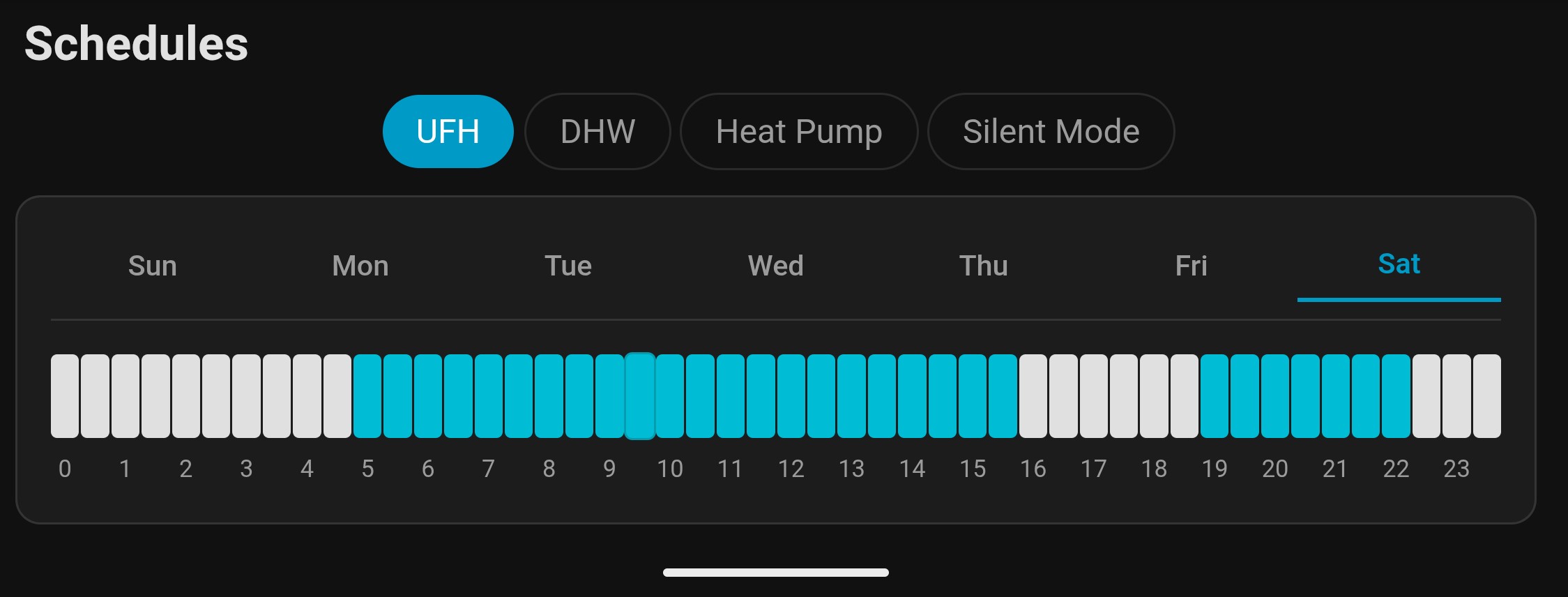
Optionally install the schedule card for editing weekly heating schedules: add https://github.com/LeeNuss/econext-schedule-card in HACS as a custom repository (type: Dashboard)
Important: Once you unplug the ecoLINK3 from the econet300, the econet24 cloud and app stop working. The econet300 module itself is no longer needed.
This is a beta – I’ve only tested it on my own setup, both with controller and HP run the most recent grant software, so there are likely issues with different configurations. If you run into problems please let me know (ideally open a GitHub issue on the relevant repo) so I can track and fix them.
Wow, amazing. It was super easy to setup, I had my emonHP right next to the Econet controller, so it was simple to move over the USB connection.
I’m running the gateway on my emonHP, then HomeAssistant is running on a separate device. I like the fact the gateway is nice and lightweight and easy to install with a single command!
Everything just seems top work! It’s very impressive
There are a few metrics I’m missing compared to my previous manual REST HA setup, maybe I’ve just missed them, but I can’t seem to find these metrics in the HA integration:
- actual_flow_temp (pram 14)
- actual_return_temp (pram 15)
- heat_pump_electrical_power (pram 211)
- heat_pump_thermal_power (pram 212)
- SCOP (pram 222)
- COP (pram 221)
- target flow temp (pram 12) - currently showing as 0 in econnext HA integration
The thermal power and SCOP / COP figures are very wrong, but they might as well be included
I’ve noticed this error when adjusting the thermostat set-point temperature, the command works fine, but this error is visible:
It’s not Modbus, the physical layer is the same (RS-485), but the protocol is plums own “GAZ-MODEM 3” protocol.
For reverse engineering: the econet300 runs embedded linux with python application/webserver, so the whole implementation is readable from the firmware. I extracted the file system from the flash (before realising you can simply get root access via two uart testpoints on it, would have been much simpler^^). Also ran that webserver with added debug logs to sniff the raw traffic between econet300 and the controller.
Great thanks yeah makes much more sense as separate thread
thank you so much for trying it. I just released an update for the HA integration (should show up in HA update) with the parameters you wanted (hadn’t added the cop values as I though they where just too wrong, but agreed might as well ). also fixed target flow temp and the active_operation_mode error.
However I couldn’t find anything specifically wrong about the sensors that aren’t updating. They all work fine on my setup. If this is a persistent issue I might need some logs to figure out what’s wrong (will write up some instructions for this later)
I’ve just tried the latest HA HACS integration (beta3), this has now fixed the sensor updating issue
Thanks a lot for adding the additional sensors. I’ve now moved over to running this as my main setup. I’ll let you know if I spot anything else. Very impressed so far.
Yes this works, happy to open a pr for thi. Have a look if there’s any other parameters you want to be added for emoncms. The api pulls over 1500 of them so I don’t want t just all of them being sent.
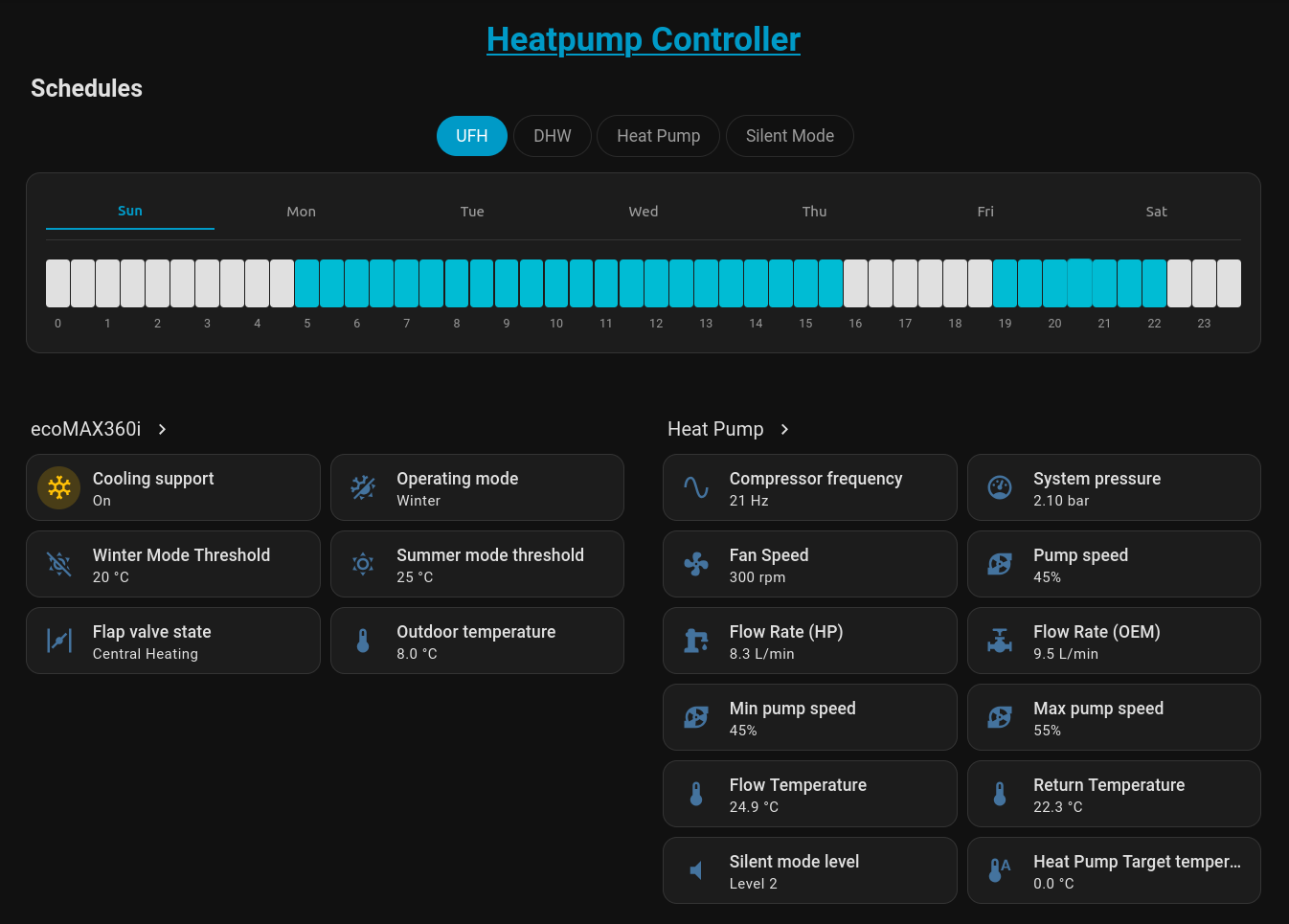
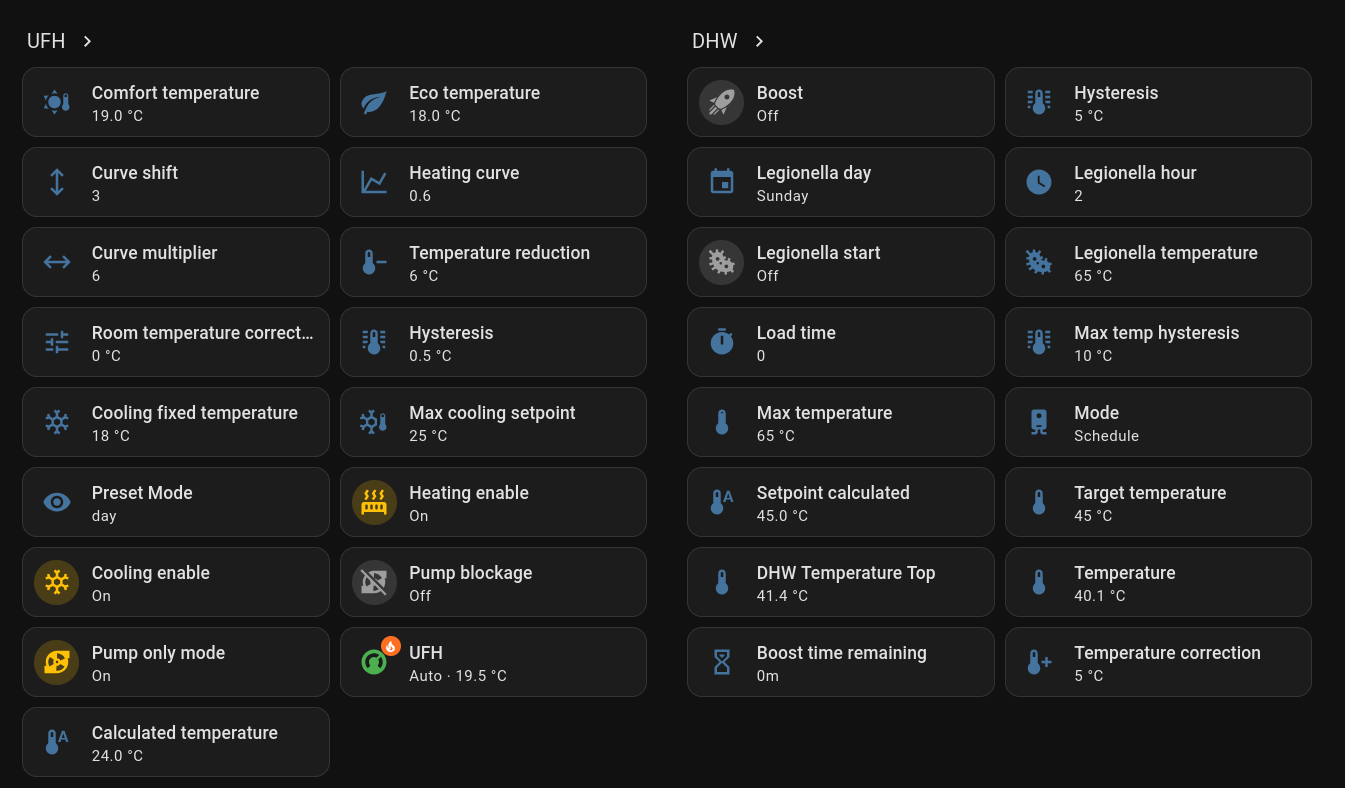
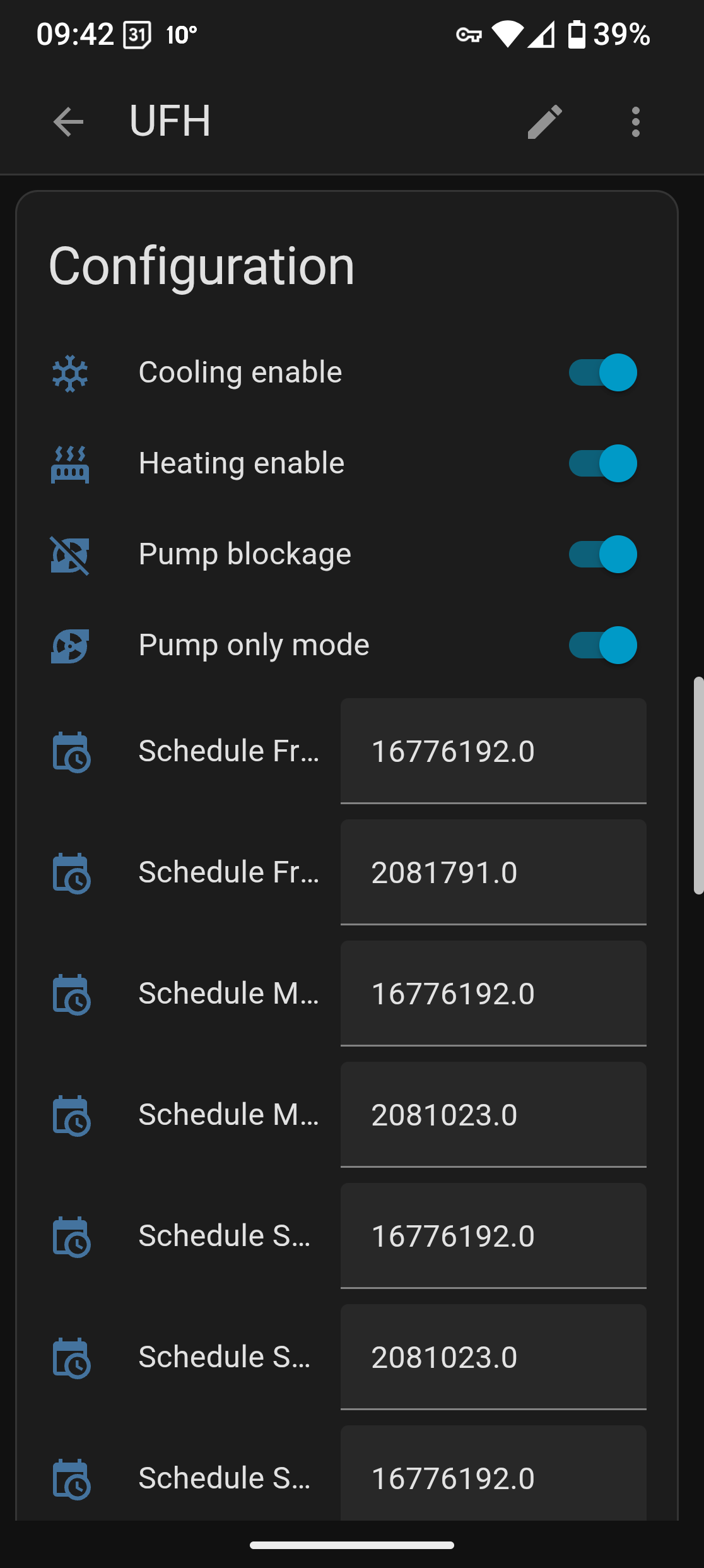
This is my dashboard setup for all schedules. My circuit is called UFH (which is used as device name), I installed simple tabs to have them all nicely organised like this:
I think it’s also useful to have CompressorFreq, SystemPressure and FanSpeed,
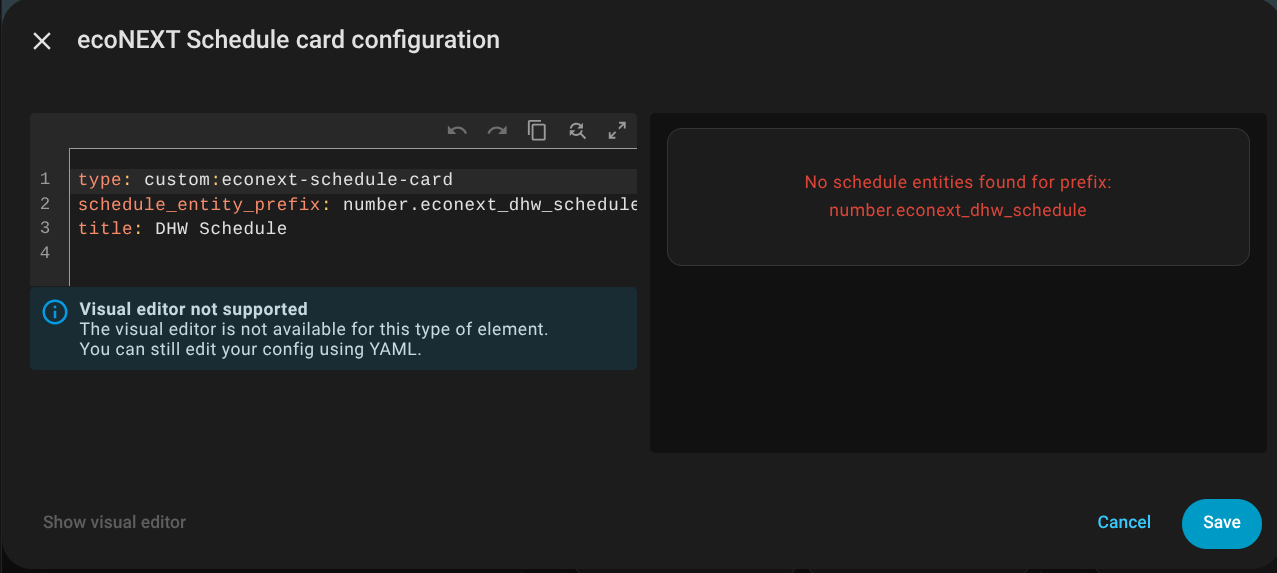
Yes, you’re right I was using schedule_entity_prefix: number.econext_dhw_schedule, when actually the DHW schedule was number.dhw_dhw_schedule. It’s now working. Thanks
Sweet, it works really well. It’s been merged. I’ve added a config example with a few extra prams:
[[EconextGateway]]
    Type = EmonHubEconextInterfacer
    [[[init_settings]]]
        # Hostname or IP address of the econext-gateway
        host = localhost
        # Gateway API port
        port = 8000
    [[[runtimesettings]]]
        pubchannels = ToEmonCMS,
        # Poll interval in seconds
        pollinterval = 60
        nodeid = 30
        parameters = TempOutlet, TempReturn, ElectricPower, HeatingPower, Circuit1CalcTemp, Circuit1thermostat, flapValveStates
       # Full list of parameters: https://github.com/LeeNuss/econext-gateway/blob/main/docs/PARAMETERS.md
Nice work, thanks a lot
Do you know the parameter name for SystemPressure?
definitely possible, will need to see which parameter is the EXV Valve Outlet Temp, the other one’s are easily to find. Will add this into the integration and make a new release with it later