As my emontTx device is sending data to my raspberrry pi with the RFM69Pi v3 expansion board, I would like to use the jeelib classic/native protocol as that is currently the protocol that my RFM69Pi expansion board understands.
So when compiling the firmware I have set:
#define RadioFormat RFM69_JEELIB_CLASSIC
or set
#define RadioFormat RFM69_JEELIB_NATIVE
The problem is that in both cases it doesn’t compile as it can’t include:
rfmTxLib.h (in case of RFM69_JEELIB_CLASSIC)
rfm69nTxLib.h (in case of RFM69_JEELIB_NATIVE)
I looked everywhere but I can’t find those include files.
One appears to be asking for permissions, but pressing OK causes it to hang. On closer inspection, you have to click the other button and accept the permissions directly within setting. Then the installation will finish successfully
So now I can continue with upgrading the firmware.
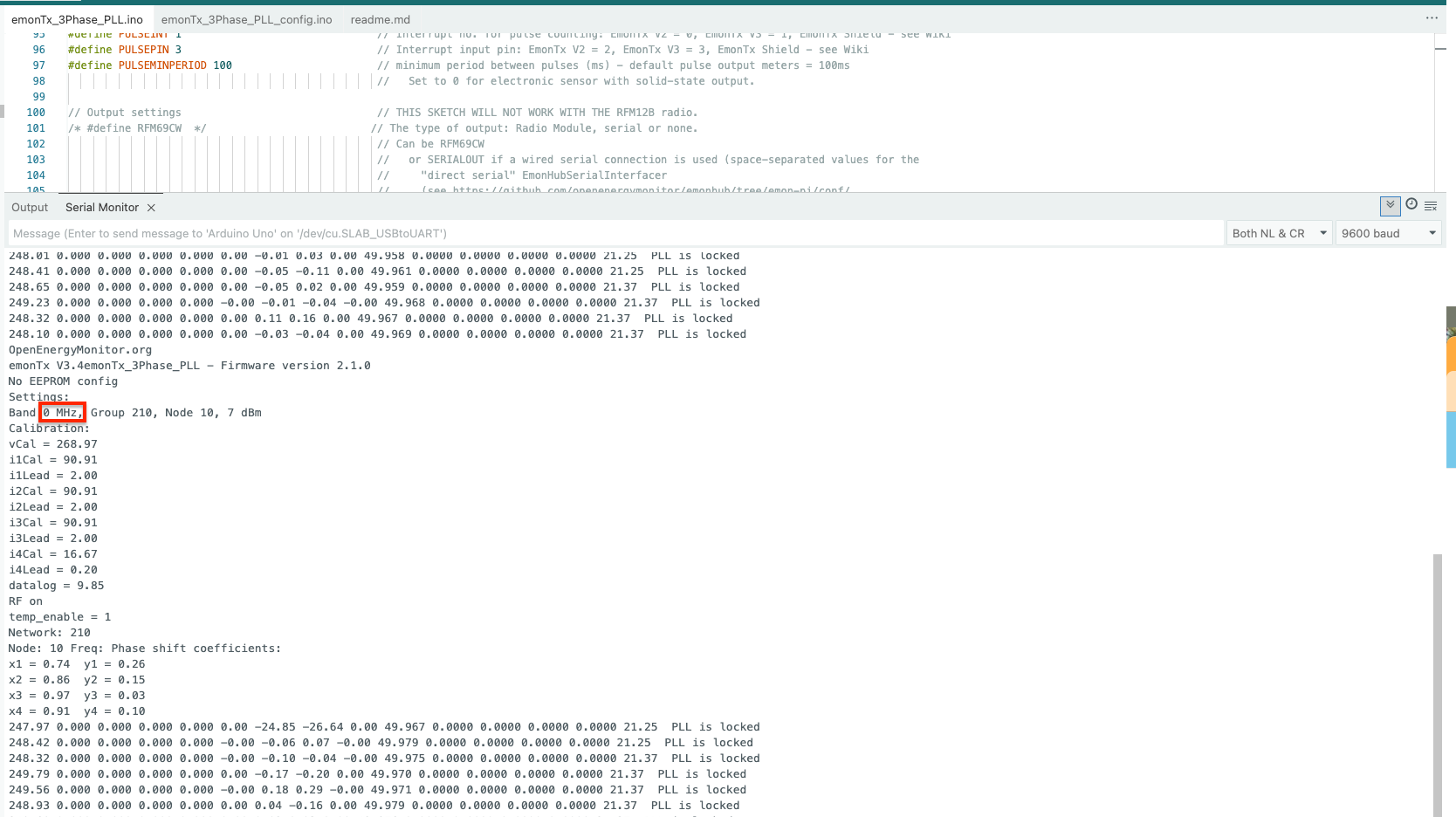
If your radio is a RFM12B ( for pictures, see Docs → Electricity Monitoring → Networking → RFM12B & RFM69CW Wireless Transceiver Modules), then you must have
#define RF69_COMPAT 0
or remove (comment out) the line, but if it is the later RFM69CW, then
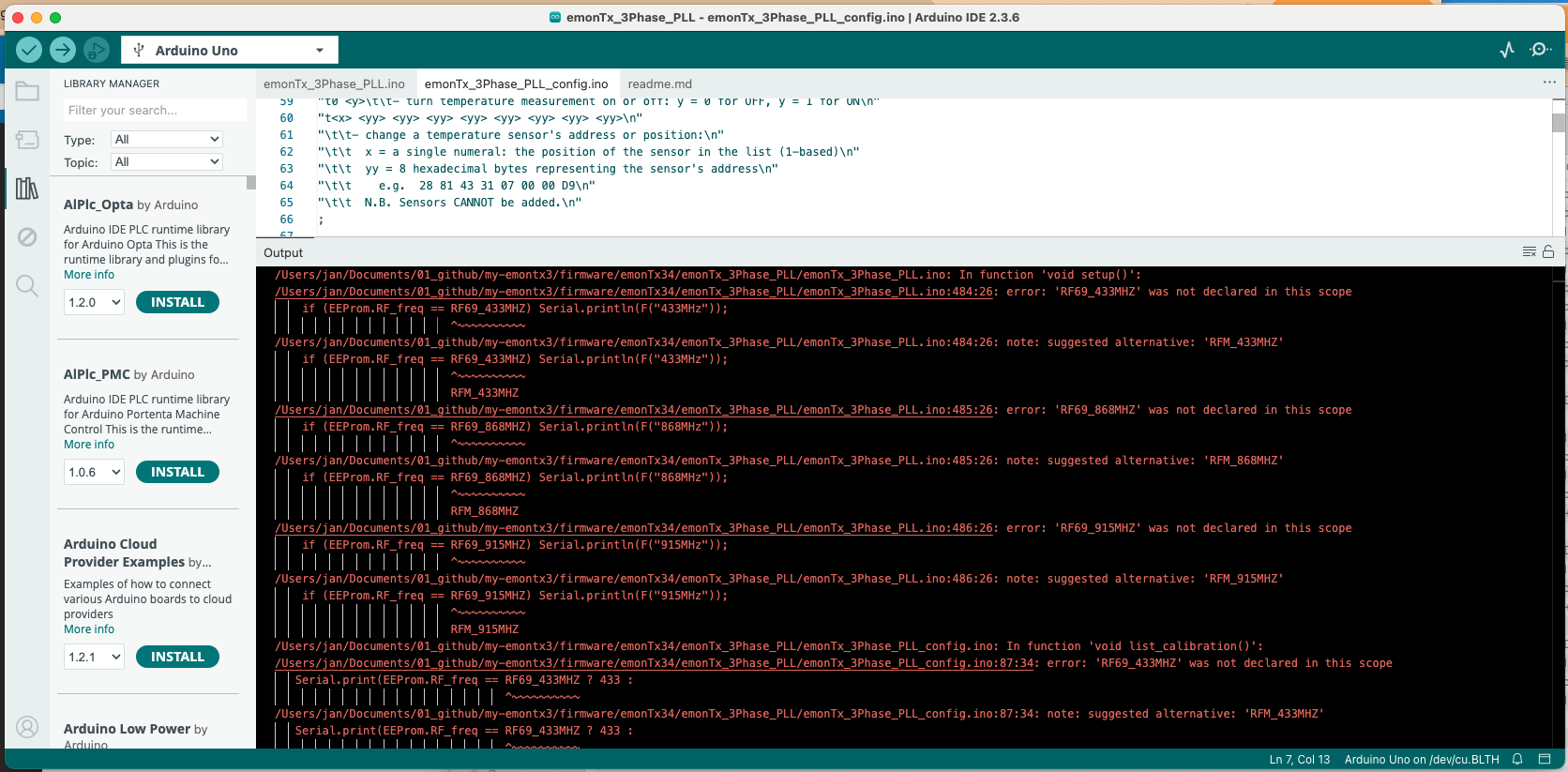
error: 'RF69_433MHZ' was not declared in this scope
error: 'RF69_868MHZ' was not declared in this scope
error: 'RF69_915MHZ' was not declared in this scope
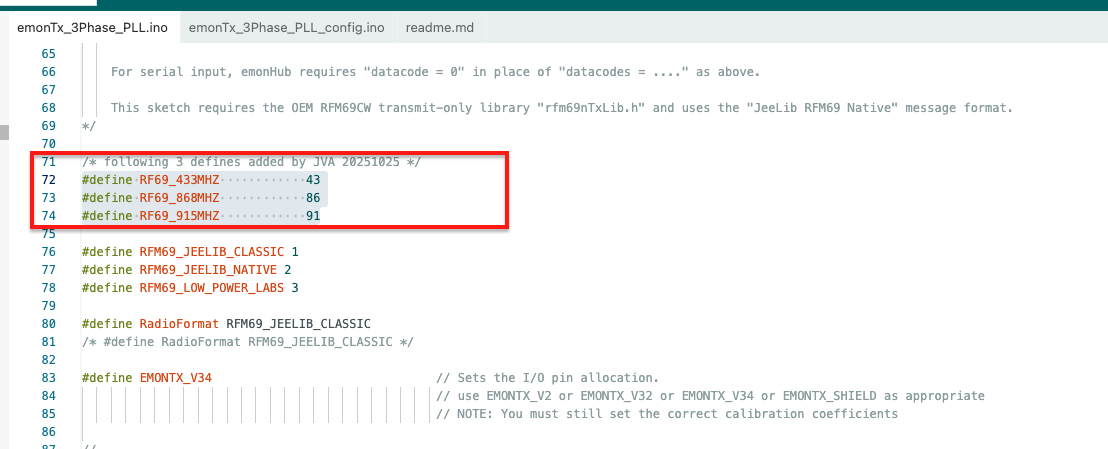
So basically it seems that the constants RF69_433MHZ, RF69_868MHZ and RF69_915MHZ are not defined.
// Output settings // THIS SKETCH WILL NOT WORK WITH THE RFM12B radio.
So I guess that explains why it is not working for me as I am having RFM12B radio.
The strange thing is that many years ago I managed to install a sketch that was able to monitor the power consumption of the 3 phases. I forgot where I have found that sketch and I have no longer a copy of its source code.
… I think I am having emon Tx V3.2 and not emon Tx V3.4. I have no idea how I can find this out.
FYI I have bought it 13th December 2014 and I am having RFM12B radio 433 MHz.
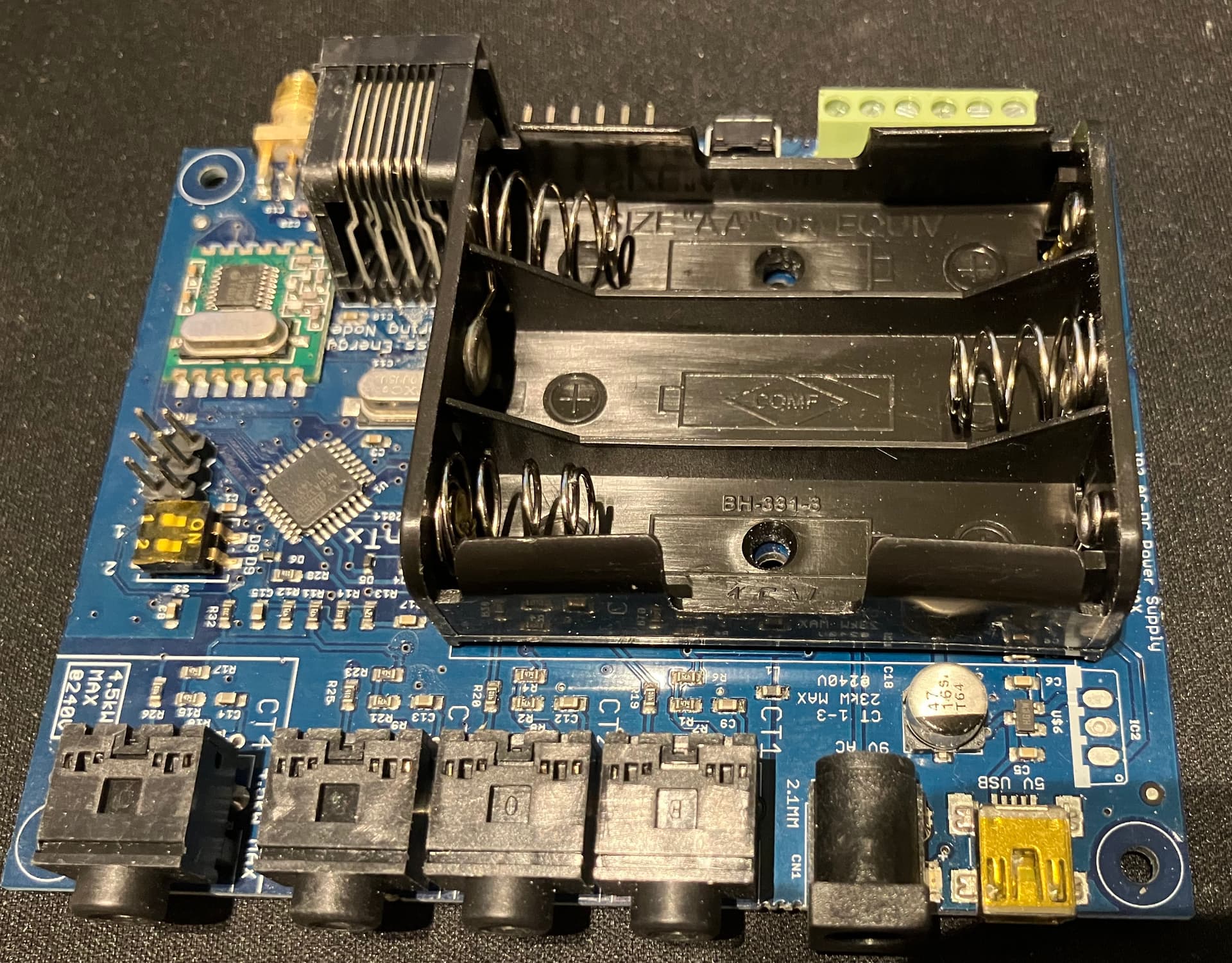
The emonTx V3.2 uses a RFµ328. This is a small module which carries an ATMega328P and the RFM12B radio module. The RFµ328 itself sits on the main circuit board with the c.t. sockets etc.
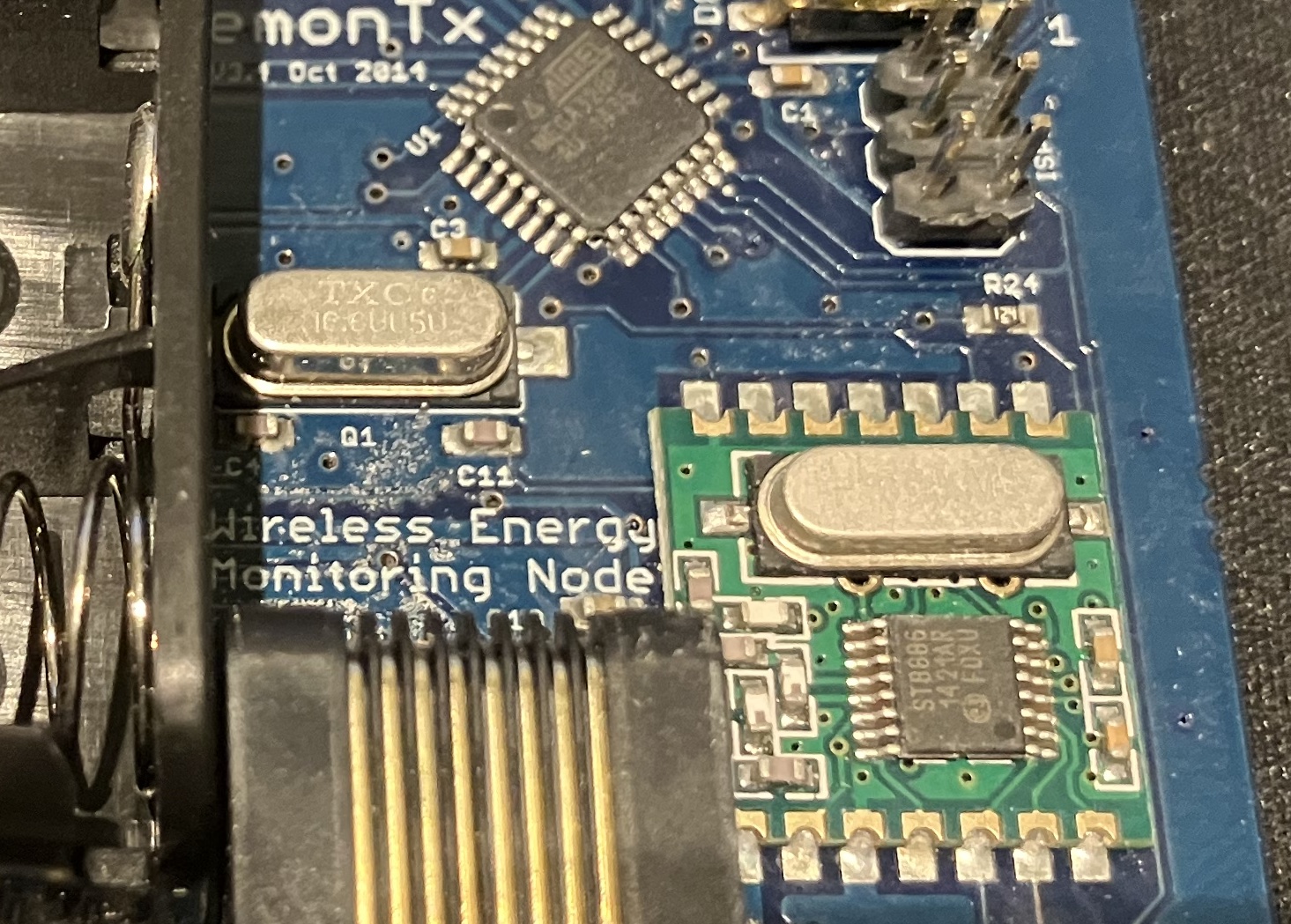
The emonTx V3.4 has the processor on the main p.c.b. and the radio module is mounted directly on this. It might have either A RFM12B or a RFM69CW.
Let me know which you have.
Also, please confirm you require a sketch for a 3-phase supply.
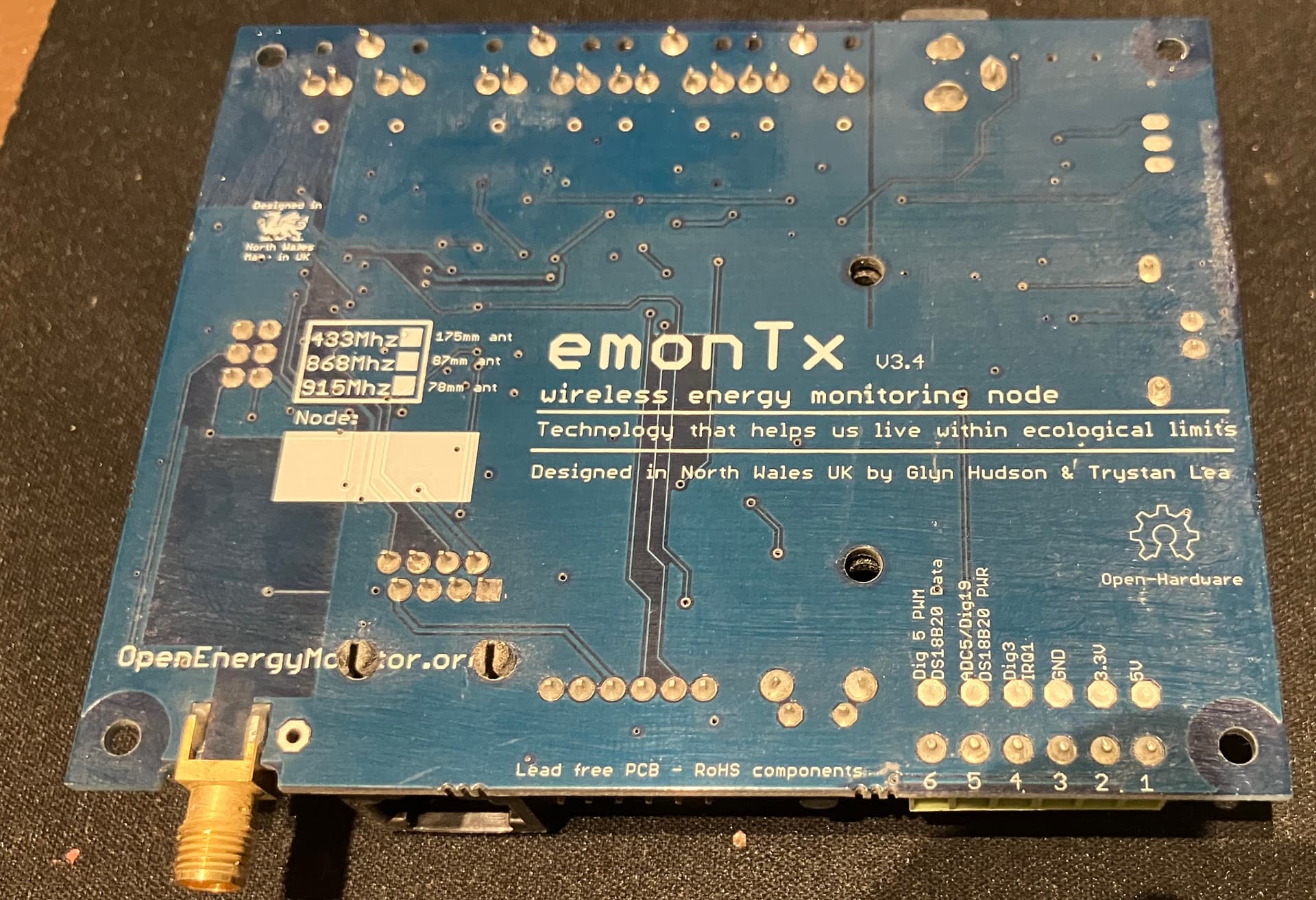
So it is version v3.4 as it is written on the board.
I don’t know if it is RFM12B or a RFM69CW.
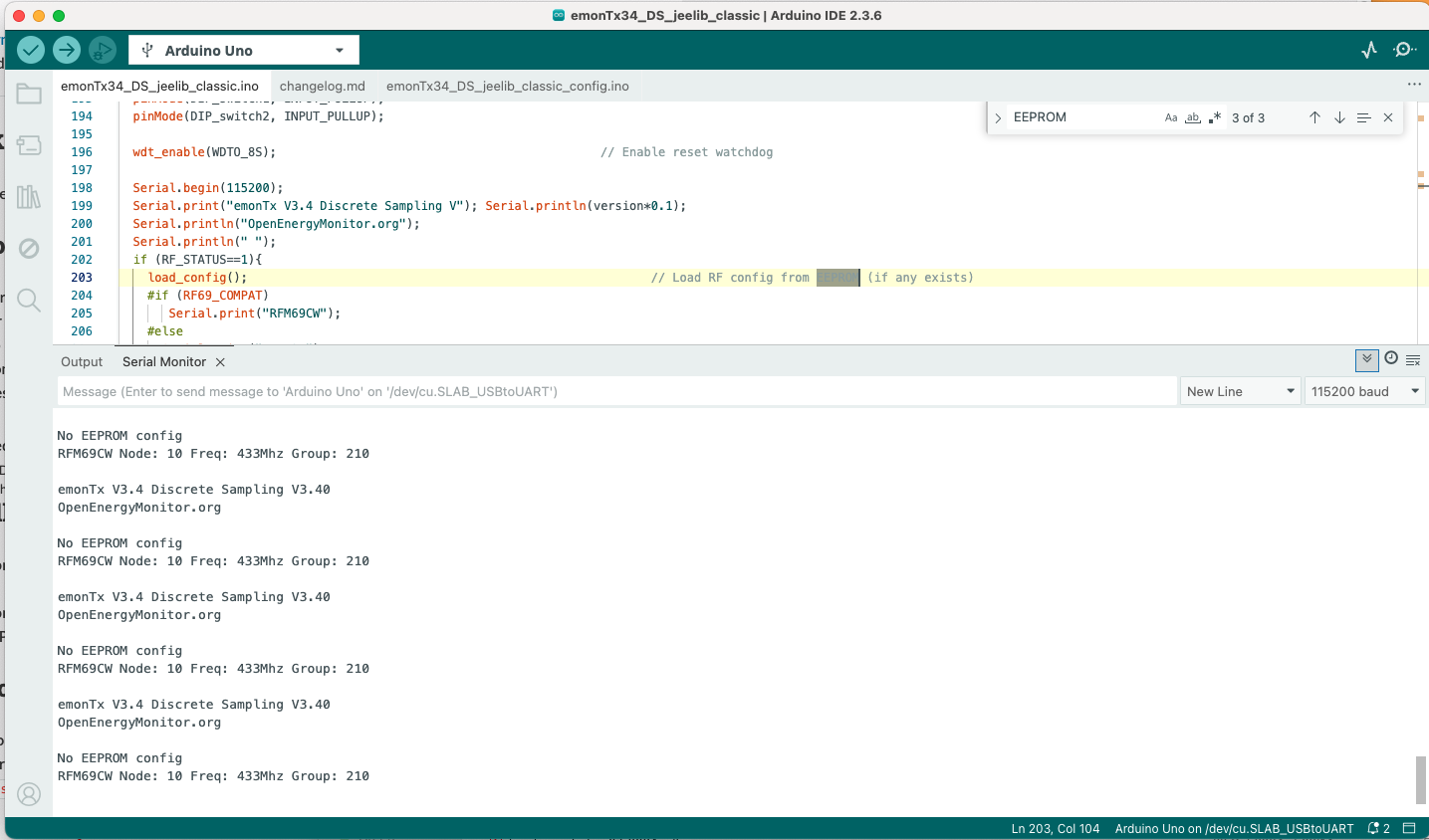
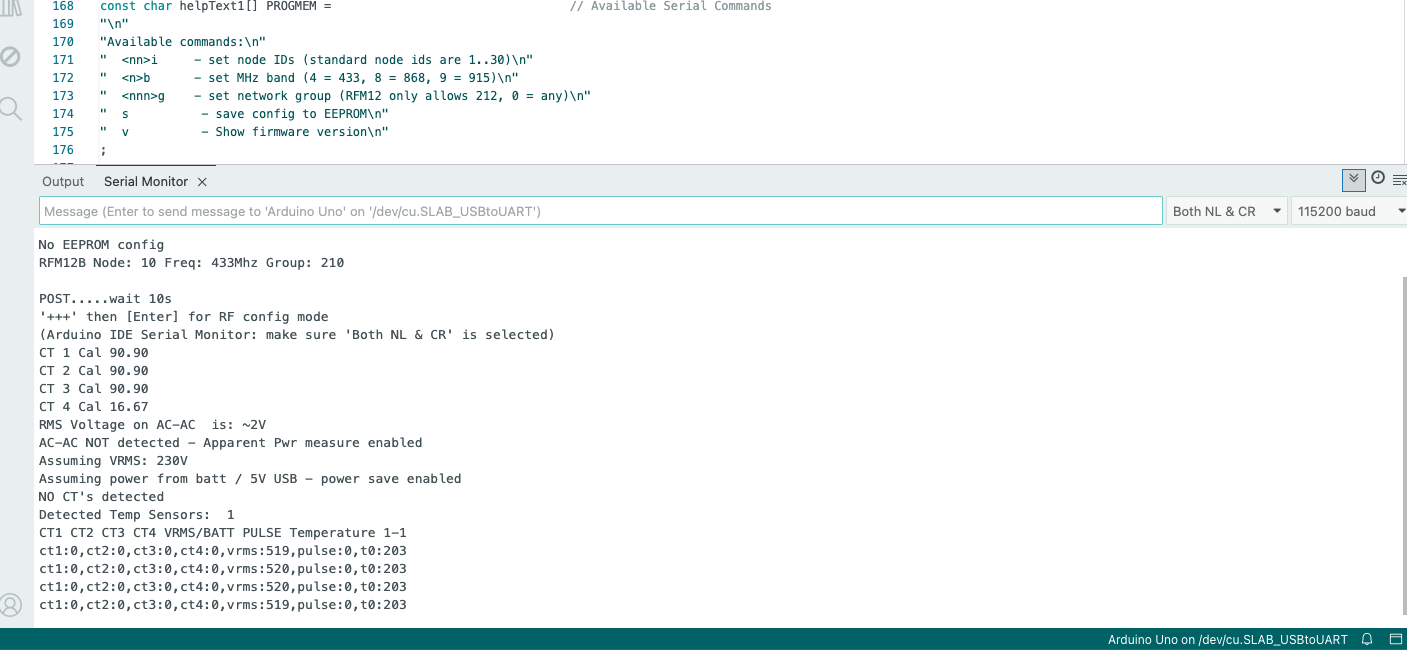
I would think it is RFM12B as the emonTx34_DS_jeelib_classic sketch only works when it is configured for RFM12B 433MHz.
And indeed I am looking for a sketch for a 3-phase system.
Actually one of the 4 CT clamps is on the same phase as the AC-AC power
The other 3 CT clamps are on the other phase.
So there is one phase that I am not monitoring.
I am planning to use the emonTx34_DS_jeelib_classic sketch.
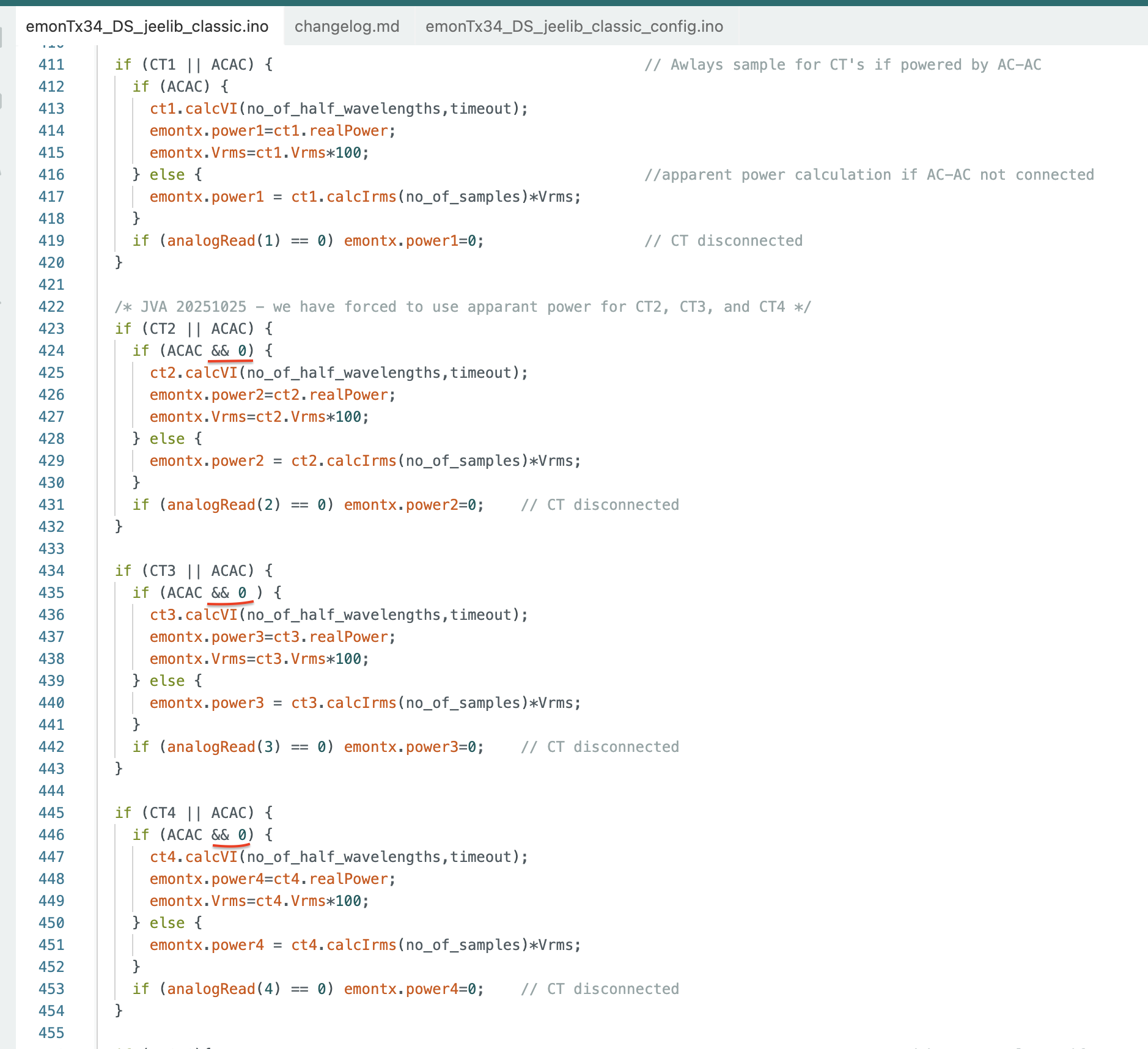
I have adapted it a little bit so that for CT2, CT3 and CT4 it will calculate apparant power instead of real power as the AC-AC adapter is monitoring another phase.
What you have there is an early emonTx V3.4 with an RFM12B radio. Which explains why you do not want
#define RF69_COMPAT 1
(Post No.6 told you where to look for the radio module.)
Not many of these were produced before the RFM12B was replaced by the RFM69CW.
I think I’ve found the sketch you had - it’s not phase-locked to the supply frequency, but as your frequency is more tightly controlled than ours, this should not be a problem. It will calculate real power as it delays Phase 1 to artificially create Phases 2 & 3 internally. It can use either the RFM12B or the RFM69CW.
I’d like to have a closer look before I send it to you. It is dated April 2017.
When you gave this topic the title “Would like to upgrade old firmware on my emonTx V3 device”, what exactly did you want to upgrade?
A/ Only CT1 clamp is phase-locked to the supply frequency.
The 3 other clamps (CT2, CT3, CT4) are all on the same phase (measuring current of 3 different fuses in my electricity board) which is different from the phase of the supply frequency.
For the 3 other clamps I have adapted the sketch to measure
the apparent power (emontx.power4 = ct4.calcIrms(no_of_samples)*Vrms) and
not the real power ( ct1.calcVI(no_of_half_wavelengths,timeout); emontx.power1=ct1.realPower; )
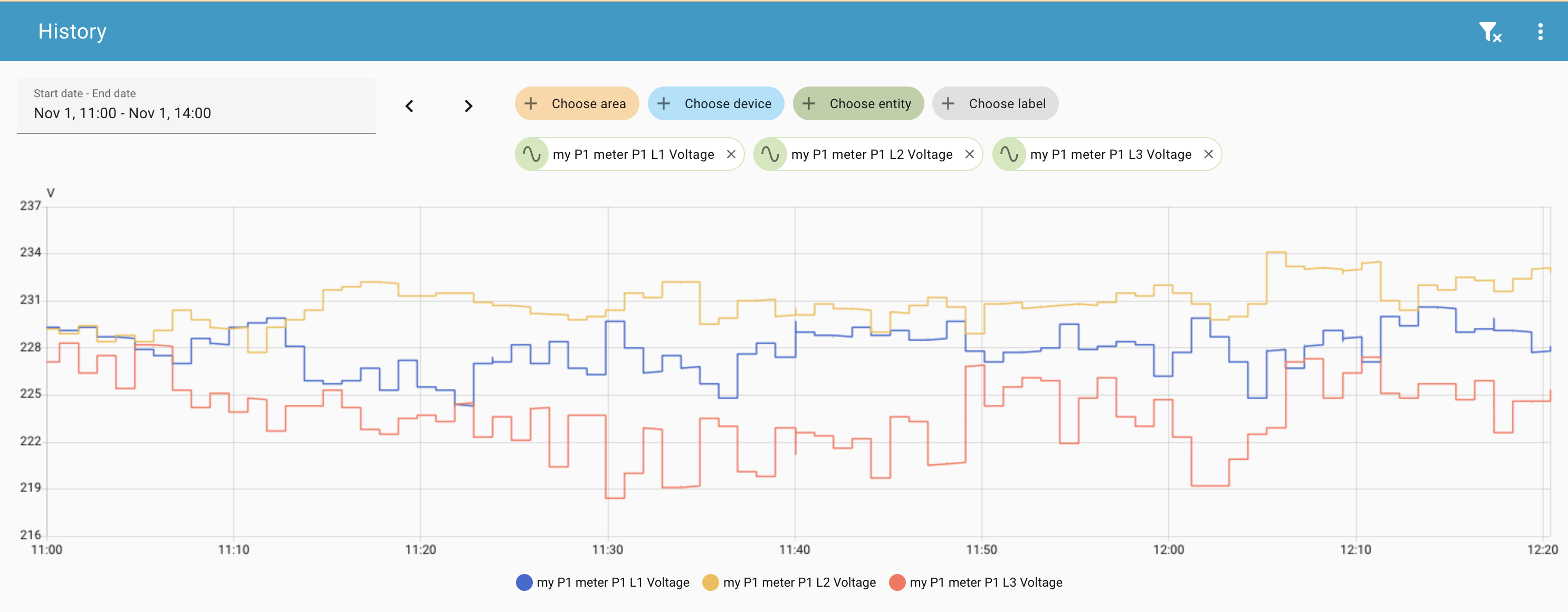
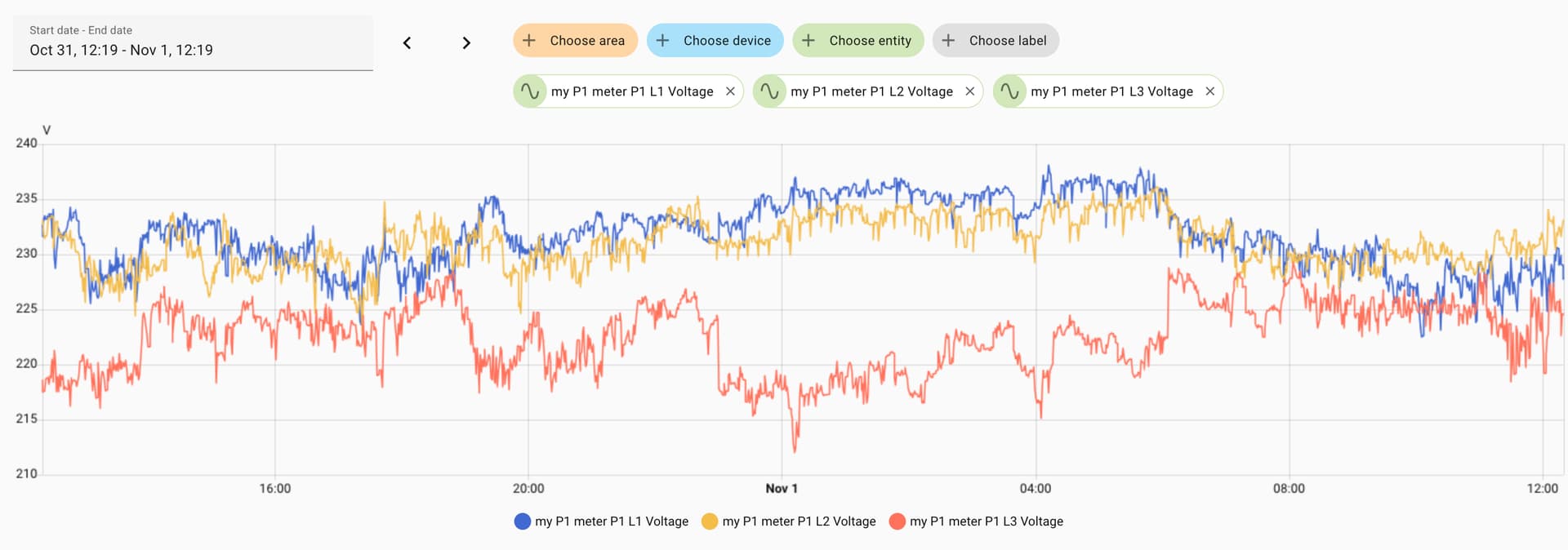
As I am not measuring the voltage of the other phase, I can only approximate it by the voltage of the phase of the supply, so I was thinking that the real power calculation for CT2, CT3 and CT4 would also be an approximation which is not necessarily much better than simple apparent power calculation.
B/ regarding
I wanted to update my firmware on emonTx V3 as I have changed my CT clamps. They are no longer measuring the same phases as before.
I also wanted to upgrade it to a version that is also measuring the termperature as I am having an RJ45 Encapsulated DS18B20 temperature sensor also connected to my emonTx device.
It is not phase-locked - you cannot have a phase-locked loop with the RFM12B radio. This is because the radio can handle only one character at a time, so it interrupts the processor continually, preventing the loop from locking. This means that a change in line frequency will appear as a change in power factor (and hence real power) for loads on lines 2 & 3. The RFM69CW buffers the entire message internally, so radio transmission does not interfere with operation of a PLL.
It has temperature measurement.
It will give a good approximation for real power measured on phases 2 & 3, the load’s power factor is taken into account but as you know, but any difference in line voltages 2 & 3 is not.
You must carefully read through the sketch and change the pre-processor definitions and calibration constants as necessary. It does not have on-line calibration.
So I am using the emonTx34_DS_jeelib_classic sketch with little adaptation to measure apparant power instead of real power for CT2, CT3, and CT4.
It does it quite well.
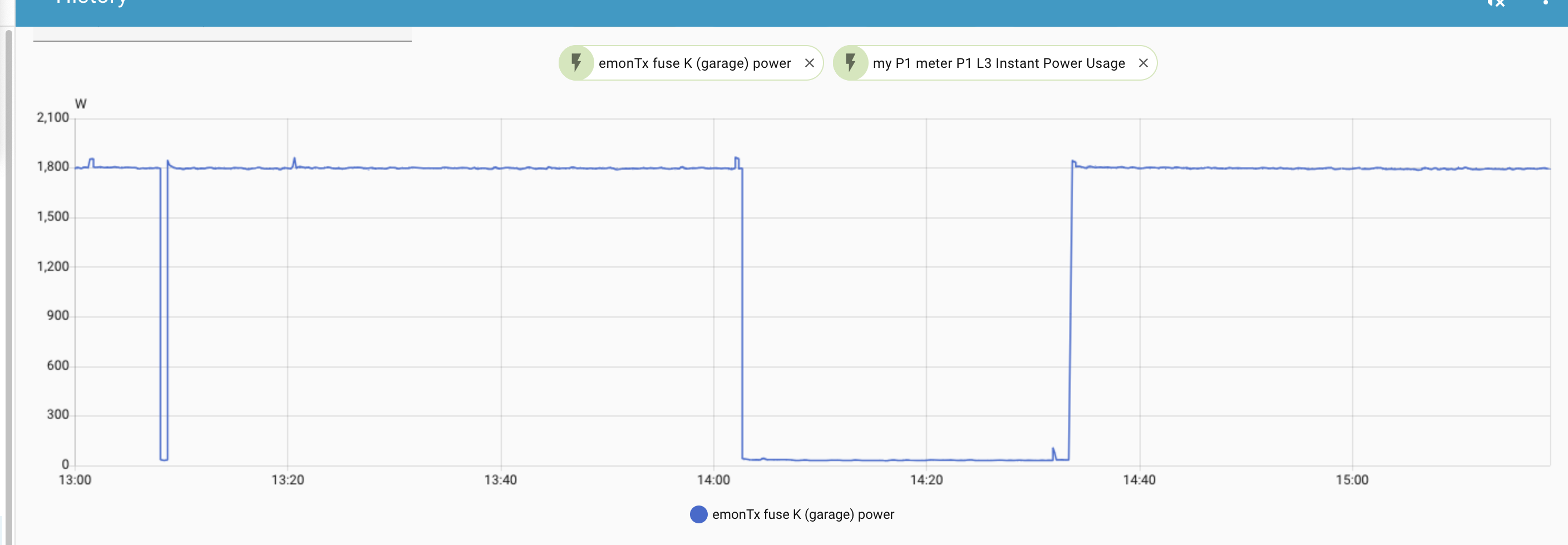
Here below you see the power measured on fuse K (= CT2) when my electric car was charging and not charging (between 14:02 and 14:33).