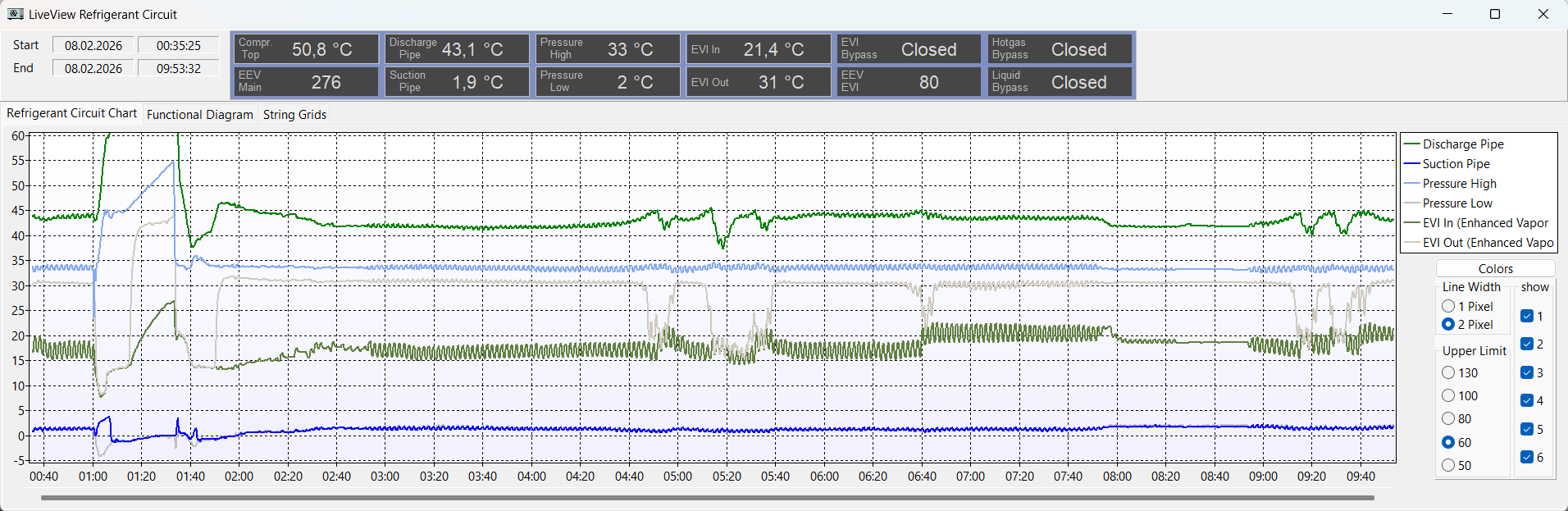
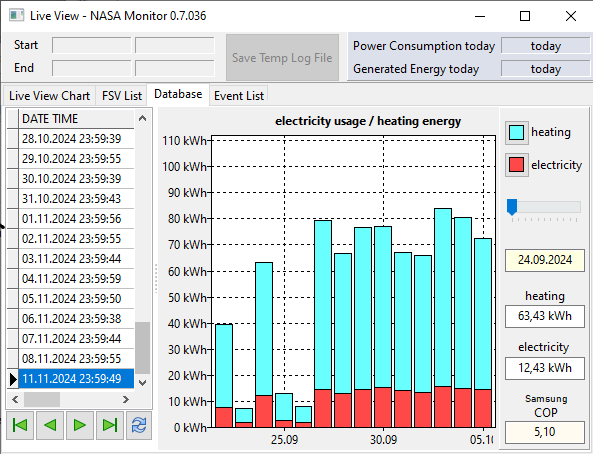
Samsung HTQ Series owners have a powerful but little publicised alternative to SNET-Pro2 for monitoring their heat pump operation, written – it would appear – by an enthusiastic and extremely clever German HP owner. My thanks to @Kocta for drawing this excellent platform to my attention.
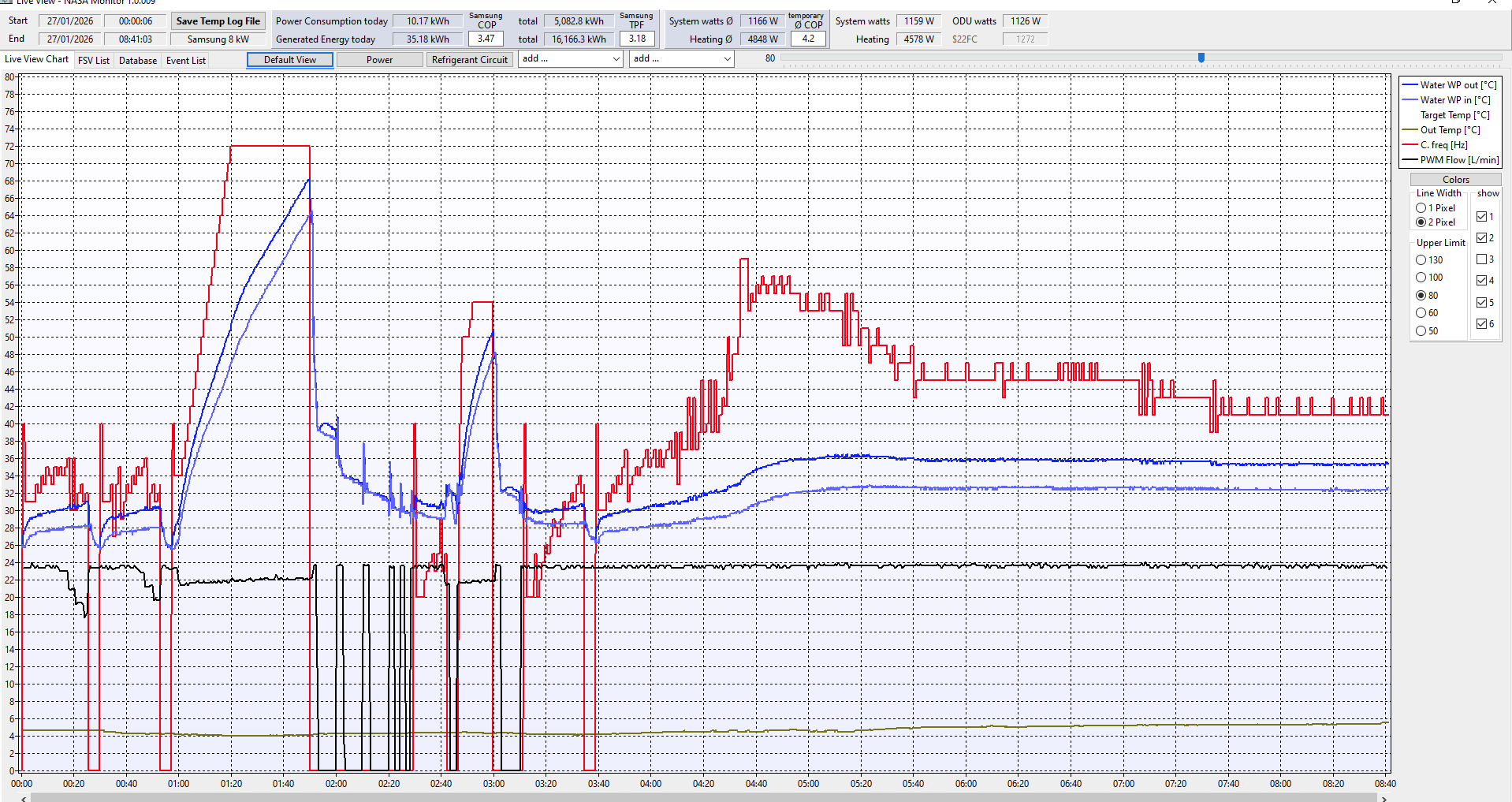
To whet your appetite for having a look at it, here’s a (composite) screenshot of its default display:
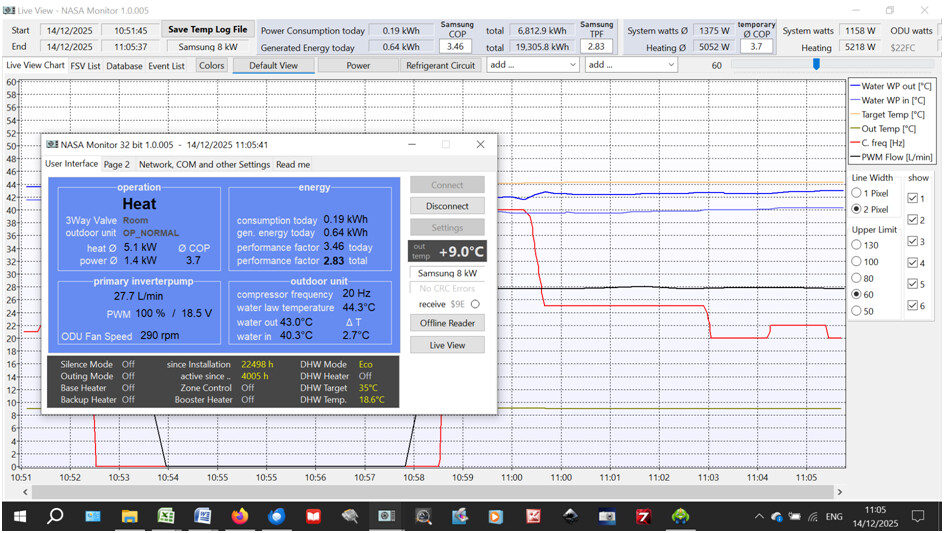
What you are looking at is the “User Interface” (UI, the box on the left) that displays the current key operating parameters, e.g. instantaneous heat generated (5.1kW) and power consumed (1.4kW), hence the calculated instantaneous CoP (3.7). The “receive” button on the right of the UI flashes when data flow is being detected.
By clicking on the UI “Live View” button you get the trendline view shown behind it. (You don’t have to have the UI obscuring the trendlines – click on the latter and the UI disappears.)
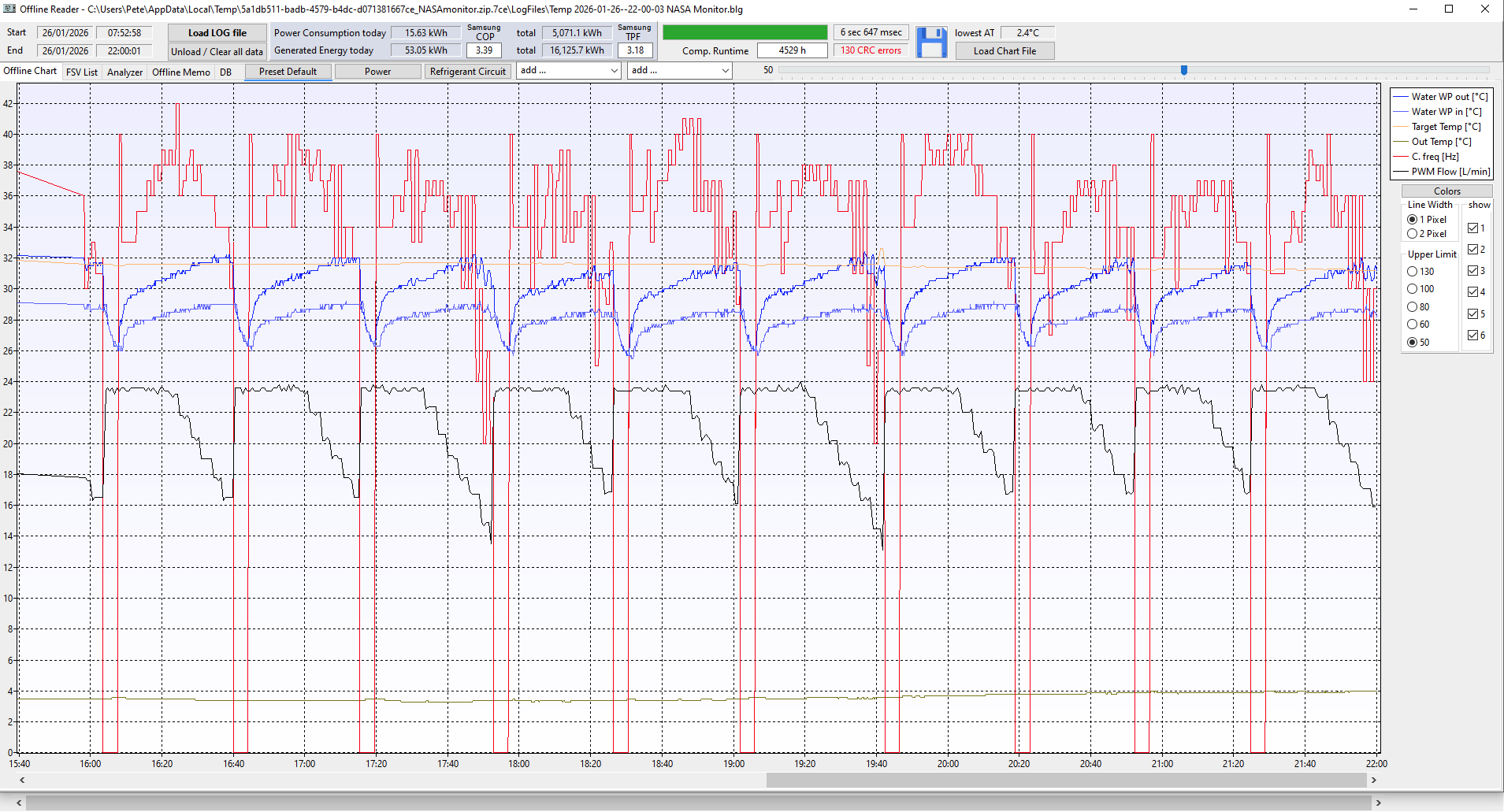
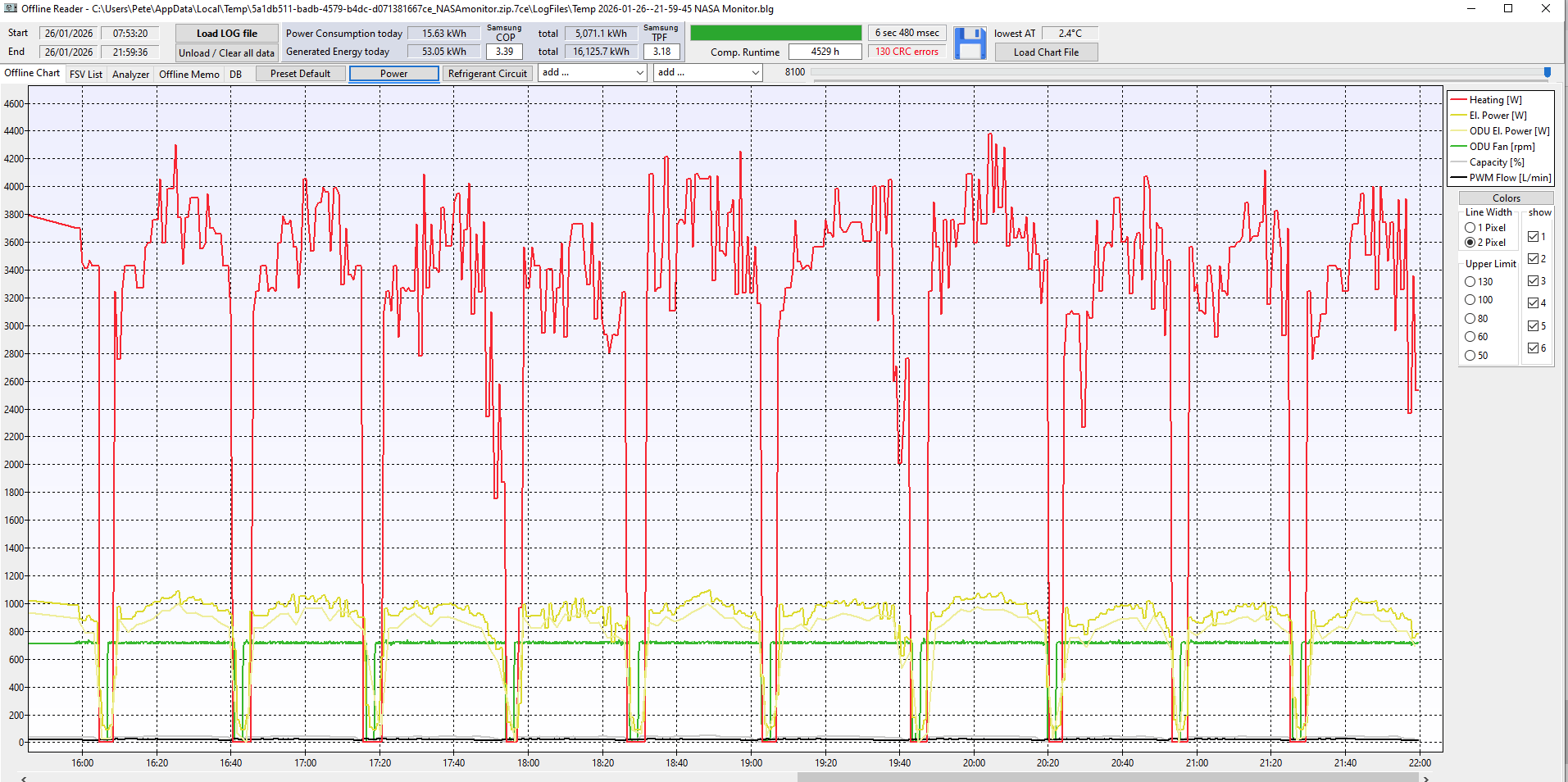
As you can see near the top of the trendline display, there are three standard trend displays – default, power and refrigerant circuit. Each of these displays trends six measurements, though you can easily add more (the “add …” buttons) from a predefined dropdown list. Between them, the UI and the 3 trend displays give you everything that SNET displays, with a far less clunky trend setup than SNET’s.
Also along the top of the trend view you get daily and lifetime heat generated and power consumed figures, along with their respective CoPs.
On the right you can select/deselect which trend lines are shown, and scale the y-axis.
Finally, like SNET, you can save a log file of all the data for later analysis.
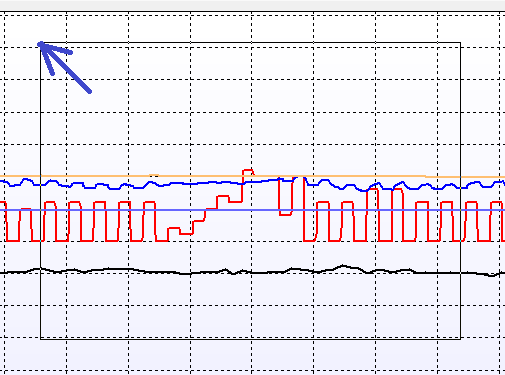
The trendline x-axis compresses with time (i.e. the Connect time is preserved). Hovering your mouse over any line displays its value, as shown for the max. LWT on this screenshot (47.5degC):

The main things that SNET does that NASAmonitor doesn’t (so far as I know) are:
- logging the data to an Excel spreadsheet (the is a log capability, but as a timestamped log of received NASA packets in .txt format, not Excel)
- replaying logged events at different speeds
- changing FSVs (these are displayed on the trendline “FSV List” tab, but appear to be fixed)
- host firmware updates
Since all modern Samsung ASHP ranges use the MIM-E03*N controller, and thus similar data appear at F1/F2, I suspect that NASAmonitor would work on non-HTQ ranges also.
Existing SNET Users
Existing SNET Users
If you already use SNET, NASAmonitor should be a simple drop-in alternative. Once loaded, you can set up its connection to the MIM controller on the UI “Network, COM and other Settings” tab:
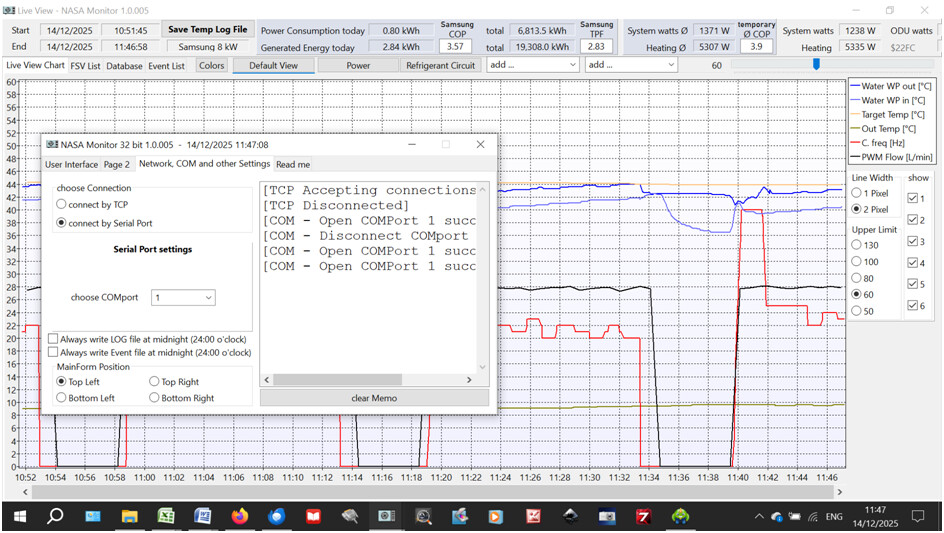
As SNET requires data access through a serial port, prospective NASAmonitor users need only choose Serial Port connection (rather than TCP) and the same COMport number that SNET is set for (though this means that you cannot run SNET and NASAmonitor simultaneously, of course.)
Selecting the TCP Connection button results in a request for a Port No., but I could not get this feature to work. This may a slight bug in the software, but more likely my own stupidity with data communication.
Considering that this is non-commercial software, NASAmoinitor appears to be very well-designed and pleasingly intuitive. If you fancy trying it, you can download the software (no cost) from https://www.heise.de/download/product/nasa-monitor-waermepumpe.
Once unzipped to a suitable folder, two .exe files will be seen – NASAmonitor (the 32-bit version) and NASAmonitor64 (the 64-bit version). There is also a “manual”, which appears to be based on an early version of the software.
Non-SNET Users
If you don’t use SNET but would like to monitor your Samsung heat pump without spending much on hardware, or on optimisers like Homely or Integrators like Home Assistant, or learn coding protocols like Modbus, then NASAmonitor may meet your needs.
In this case, you will some way of getting the serial data from your MIM controller into your computer. A couple of simple options were outlined in https://community.openenergymonitor.org/t/monitoring-your-samsung-ashp-controller/27638, but with the following additions/developments based on more recent experience:
1. I would now recommend the USR-TCP232-306, widely available for £40-£50, for the RS485-to-Ethernet adapter (the Waveshare device in the original set-up stopped working after a few weeks).
2. If you need power line adapters (PLAs) to get Ethernet data from the adapter to your router, I’d recommend TP-Link TL-PA4010PKIT AV600 (costing about £40 per pair) – my BT PLAs also packed up quickly.
3. I settled on Static IP addressing rather than DHCP when configuring my adapter. The TCP232-306 comes with a default IP of 192.168.0.7. To connect the adapter, unless you change the SubsetMask, its third IP octet must be set to match that of your router (my router is 192.168.1.1, so I changed the “0” to a “1”). The fourth octet can be any number not already allocated to another device. In my case “7” was unallocated, so I retained the default for the adapter configuration, i.e. 192.168.1.7, as shown in this screenshot:
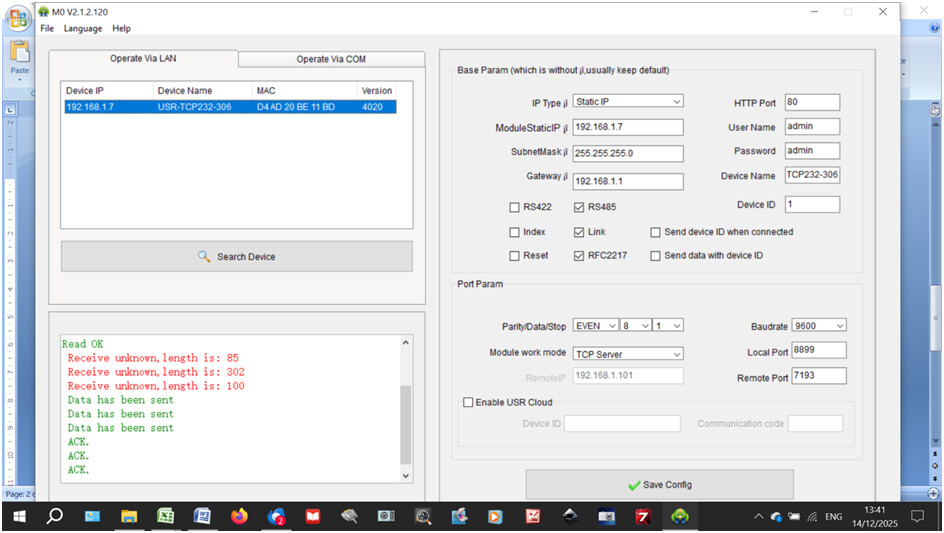
4. The Port Parameters should be set as above to match the MIM data stream. (The Local Port number is arbitrary, but numbers below 1024 should be avoided as these are reserved in certain devices and could result in conflicts.)
5. When configuring your VCOM, simply match the Remote IP and Remote Port to the adapter configuration values, as shown in this screenshot (ignore the COM2 settings – these are for another device which was disconnected at the time):
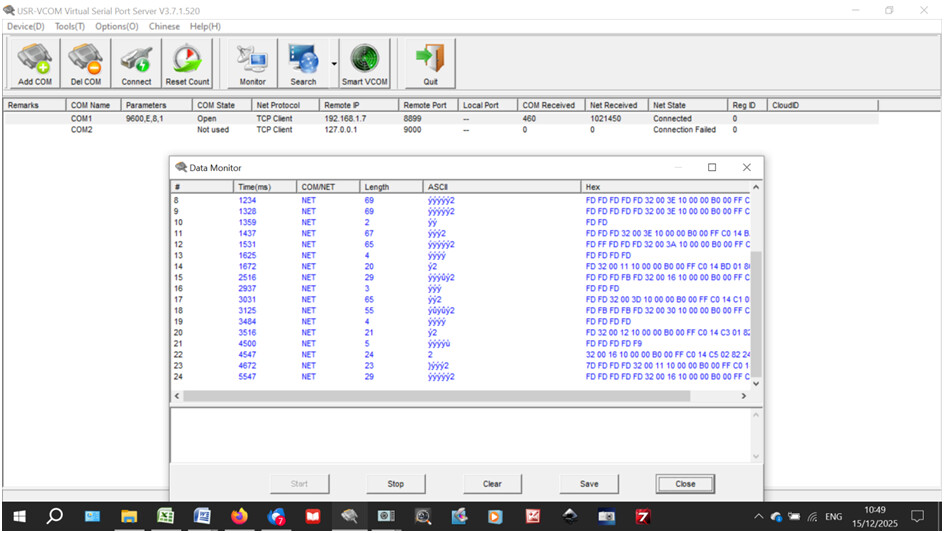
This screenshot also shows the Monitor data (the NASA serial data packets detected on the F1/F2 highway). The data shown (most starting 0xFDFD…) are normal.
Sometimes initial startup of SNET or NASAmonitor results in data corruption, so that it looks like this (mostly 0x7D7D…):
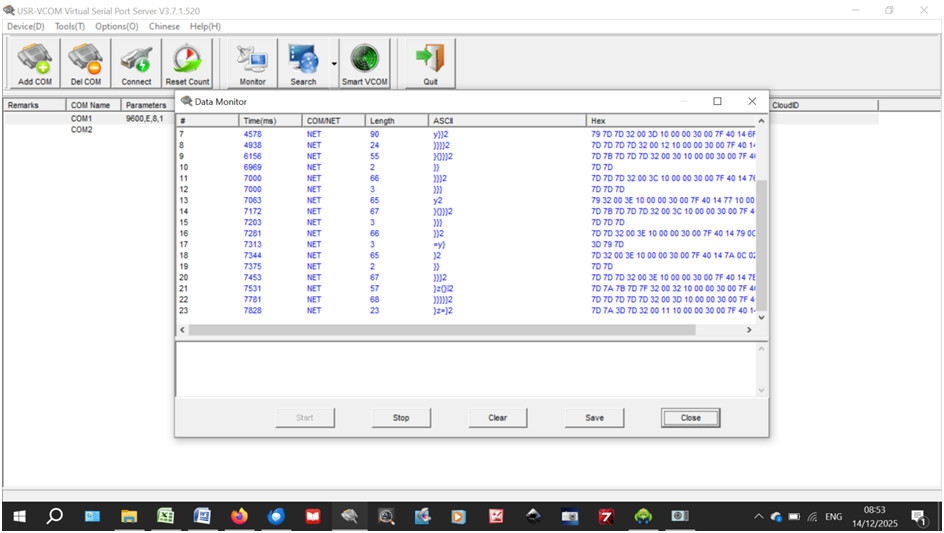
In this event, disconnect SNET or NASAmonitor, switch the RS485 adapter power supply off and on again, and reconnect SNET/NASAmonitor so you get the normal 0xFDFD… on the VCOM monitor.
If you forget to disconnect SNET/NASAmonitor before resetting the adapter, you may get something like:
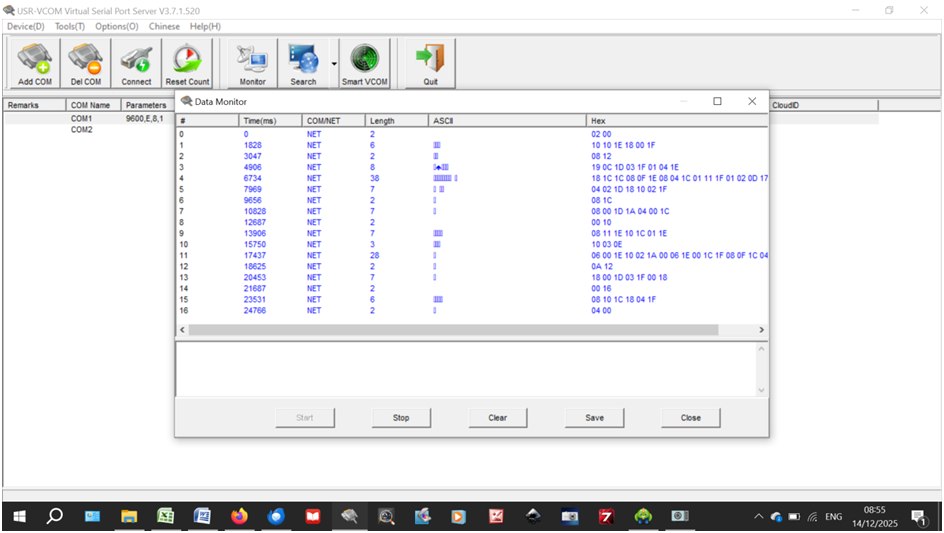
Unsurprisingly, neither SNET or NASAmonitor will work if confronted with packet data like these last two examples.
If you do try NASAmonitor, please post your findings here.