I was able to manually create an input on my local device “heatpump_dhw”,… but it does nothing, how do i link it to the correct DHW input and make the firmware publish?
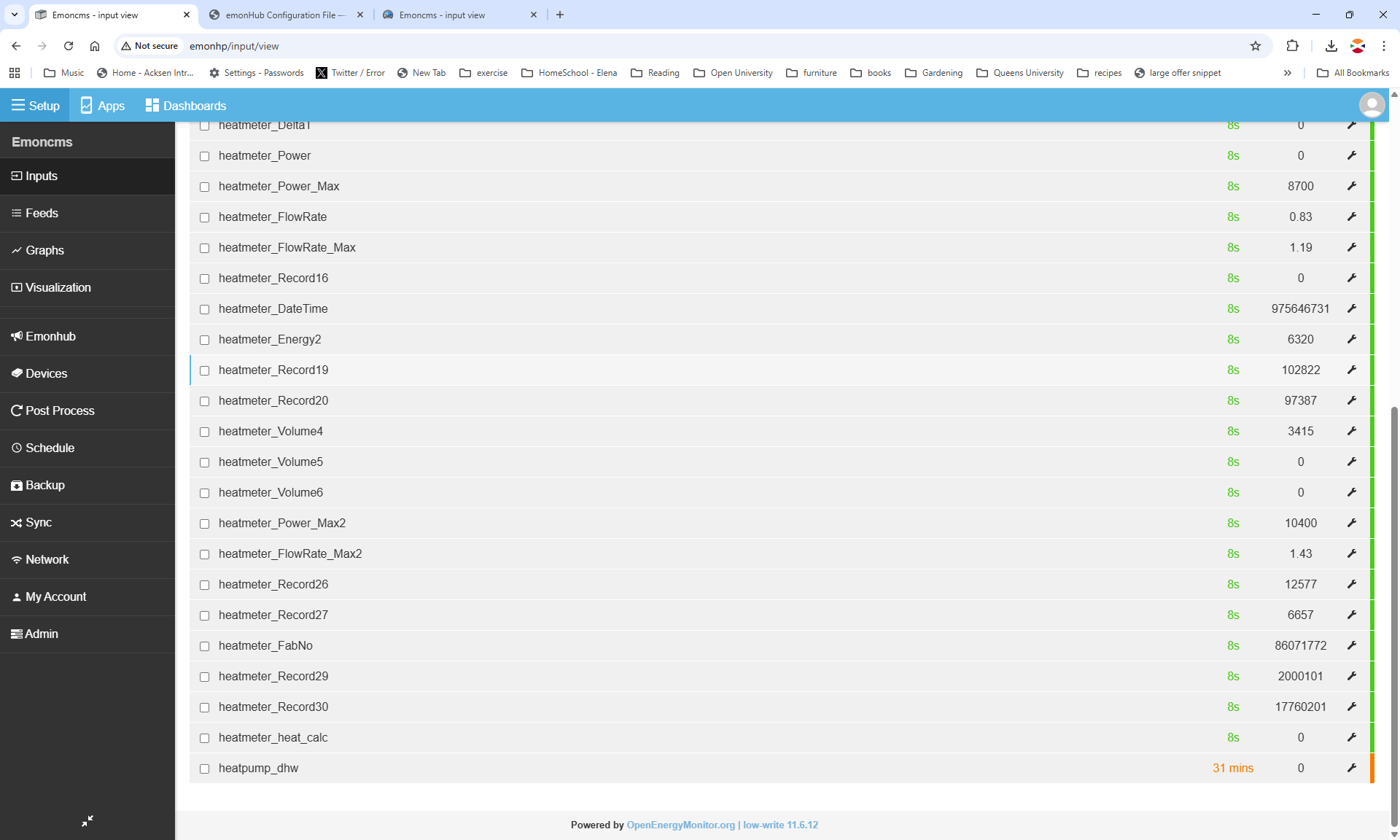
Hi, I’ve been trying to input/post to my emonHP,… I tried the format in the help
http://emonpi.local/input/post?node=mynode&fulljson={“power1”:100,“power2”:200,“power3”:300}
But apparently the help is wrong and it should have been https, which I tried, (which represents the limit of my expertise) but that didn’t work either. I welcome any help on this.
Ultimately i need to create an new input “heatpump_dhw” this did not come configured on my emonHP, as I had not ordered the DHW input device (as I want to make my own),…. In light of the hassle i’m starting to regret this.
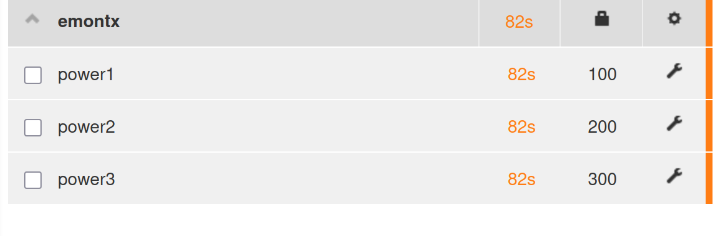
Hello again Robert, just to explain where i am on this….
On emoncms I am able to create an input, heatpump_dhw,…. but it receives no data.
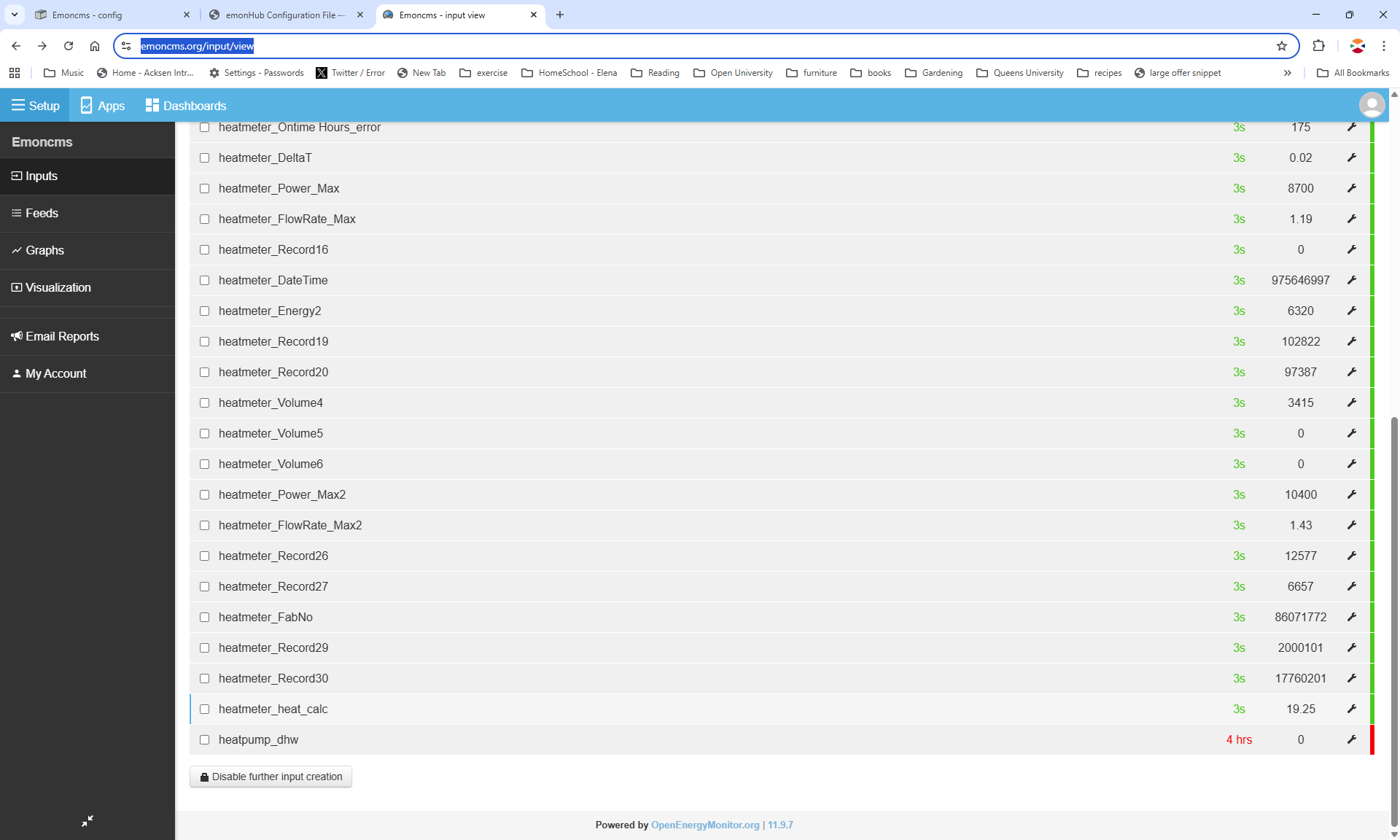
I can also log into my emonHP locally. I was able to create an input heatpump_dhw, see the screenshot, it receives no data.
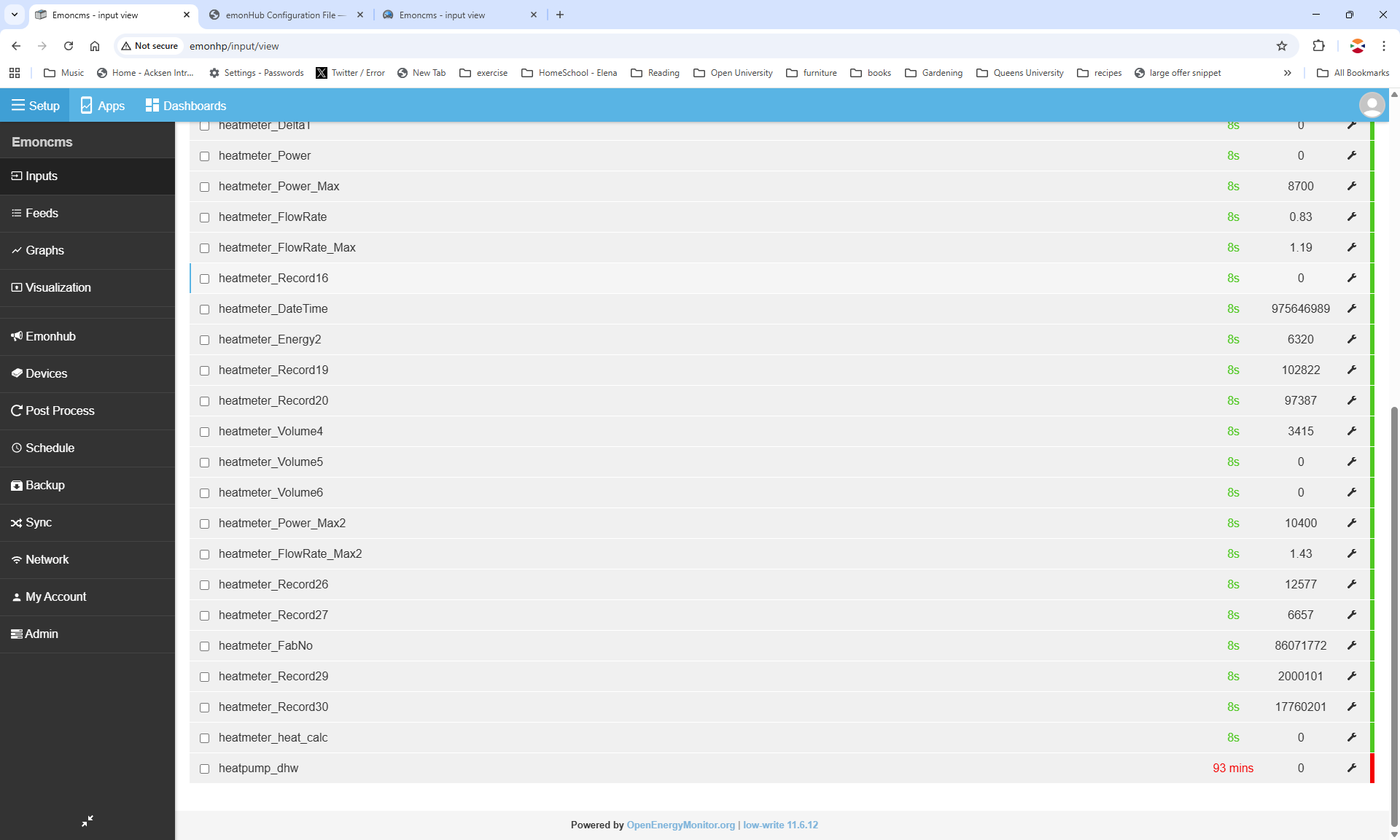
If in electrically (in hardware) toggle the DHW input (3v3 logic 1 to 0v logic 0) on the top of my emonHP unit, on emonHub I can see a digital change listed in the process. E.G.
2025-10-07 18:15:40,049 DEBUG digital digital : state: 0
2025-10-07 18:15:40,049 DEBUG digital digital : state: 1

I’m guessing this is the DHW input. If it is, how do i link that hardware input to the ‘input I created (heatpump_dhw) and get the emonhp or emonhub to publish that?
Some people have suggested that if i toggle the input, that is give the emonHP a DHW input, then the correct input would appear,…. this did not happen, it did not appear! I had to create them manually.
Stuck
Look at the whole list of inputs. Is there one called ‘GPIO’ or ‘pin15’, or something like that?
Why did you create a new Topic?  it doesn’t help by having everybody’s efforts spread over two threads.
How did you do this? Did you type the command in your web browser?
That’s the emonHub log. It shows the data is getting as far as emonHub. What you need now is to go back to post no.9 and read again how the data travels through from the physical input to the Inputs page. What do you think might be missing? Answer: an Interfacer that interprets the stuff appearing in the emonHub log and converts it into “emonCMS-speak” which the Input page can interpret. If you’ve connected to a RPi pin, t may well be the Digital Input Interfacer (emonhub/src/interfacers/EmonHubDigitalInputInterfacer.py at master · openenergymonitor/emonhub · GitHub which is where you find the commands to put in your emonhub.conf file) but I don’t know the pin number you need to put in the config.
Is @Gwil suggesting it’s pin 15?
Yes I see it, ( emon/gpio/pin15 1 ) Are you stating that this is the hardware I/O linked to the DHW input on the top of the emonhp?
Yes, that is the DHW input.
Phew, thanks we got there. Thanks
Although is seems to be negative logic ?
I posted a new topic as Glyn had suggested (in an email) I do that! Which I stated in an earlier post in the thread.
“Glyn has ask me to post a thread, re this and I will.”
Sorry to have wasted everyone’s time.
My initial topic was about the missing input not about my inability to login or send APIs to emonhp, while both issue stem from the same desire, to find the dhw input and restore it.
The second was about API issues.
Thanks for the advice, I am 90% sorted, I can toggle the hardware input and see a change on the inputs and feed. Although I’m seeing negative logic.
Yes, the output voltage of the optoisolator inside our DHW status sensor is pulled down when the voltage on its input is above a certain threshold.
I think the easiest way to proceed is: on emoncms.org, not the local emoncms, press the gear icon to the right of the ‘gpio’ input and you should see a list of configuration options. One is called something along the lines of “dhw digital”. If you select that it will log the input to a feed and it will then appear in the heatpump app.
You then need to add an additional input process to the ‘gpio’ node to flip the bit before it is logged to the feed.
Is the Digital Interfacer used for this? If so, wouldn’t invert = 1 flip the logic? It looks to me as if it ought.
Sorry @Staedford - my bad information there, the module that OEM has the optocoupler at the output which inverts the output. There’s an LED that lights up when there’s main, but the output is inverted. Rob and Gwil’s suggestions will fix that in software 
No probs. It would be easy for me to invert the signal, if i had to.
Gwil,…. yes i see it, it’s called “DHW Diverter digital”.
Now, I already have that input mapped to a feed called heatpump_dhw. And it does seem to work.
What is the purpose of configuring as you suggest, what doe your config do that my input to feed mapping does not?
At this stage I’m not even going to mention my complete inability to add a process.
IMHO, its not in an obvious place in the documentation, so here’s a link; emonCMS: Getting started emonPi/Base — OpenEnergyMonitor 0.0.1 documentation
thanks
That will also work, I was explaining probably the easiest steps to take if you were not familiar with logging an input to a feed and how to get it to appear on the app.
OK, thanks. I’m a hardware guy, no coding, well not true if you count fortran 77, basic and pascal about 40 years ago.
Gwil, on the emonHP, what is the pull up or pull down impedance of the digital input? I am NOT referring to the DHW interface device (which I don’t have), I am referring to the emonHP digital IO.
I am developing my own interface doe that digital input and want to know of the digital input is pulled high (3v3) or low (0v) and by what impedance.
K