Hi John, and many thanks for your input.
I can follow your instructions up to dropping the file into the avrdude install folder.
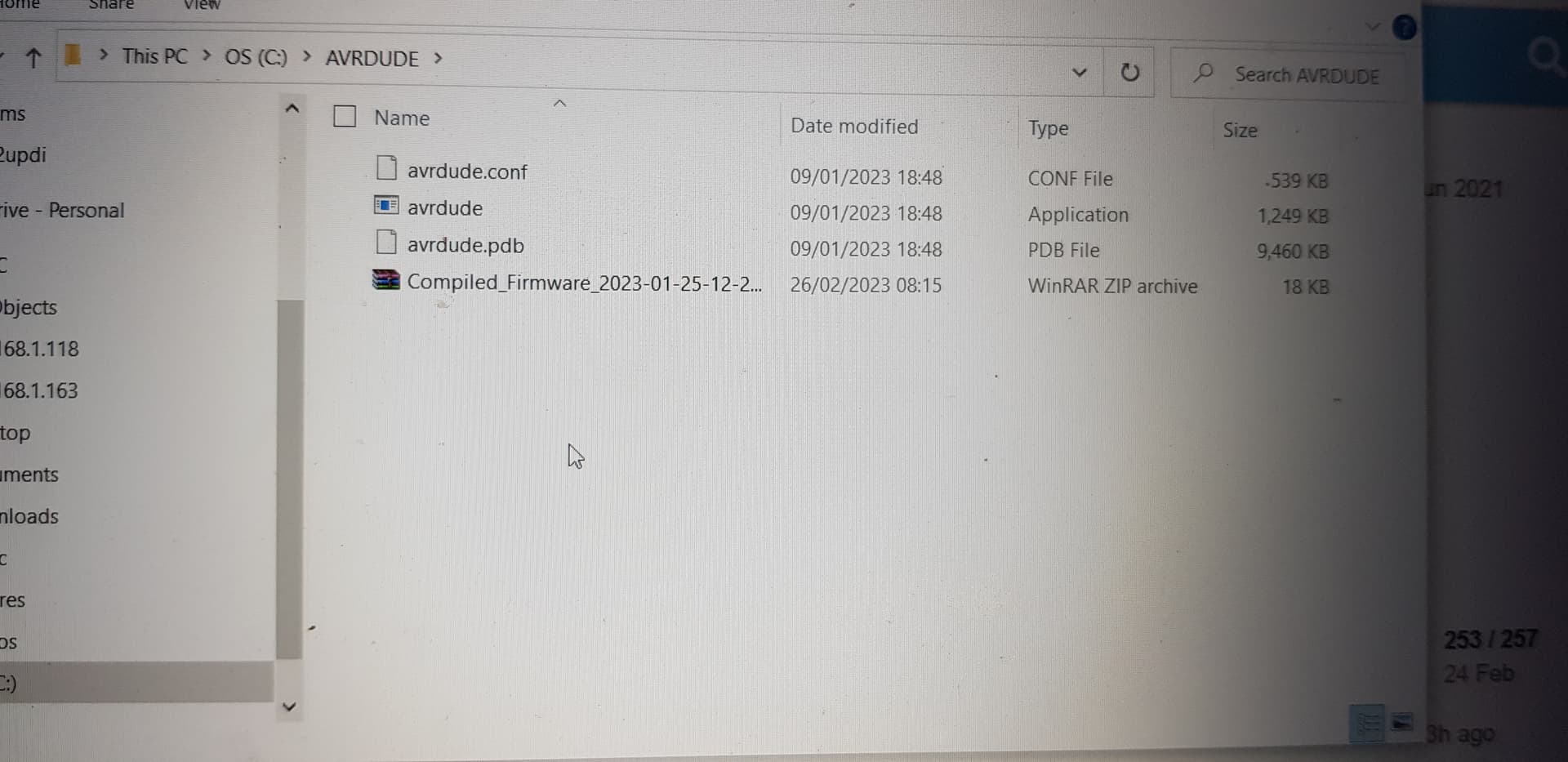
I assume you mean put that file where the avrdude folder is on my pc, im my case
This pc - C:AVRDUDE
in that folder i have 4 files…avrdude.conf abrdude app avrdude.pdp and now the unzipped shunt code and ive unzipped it to expose the hex file.
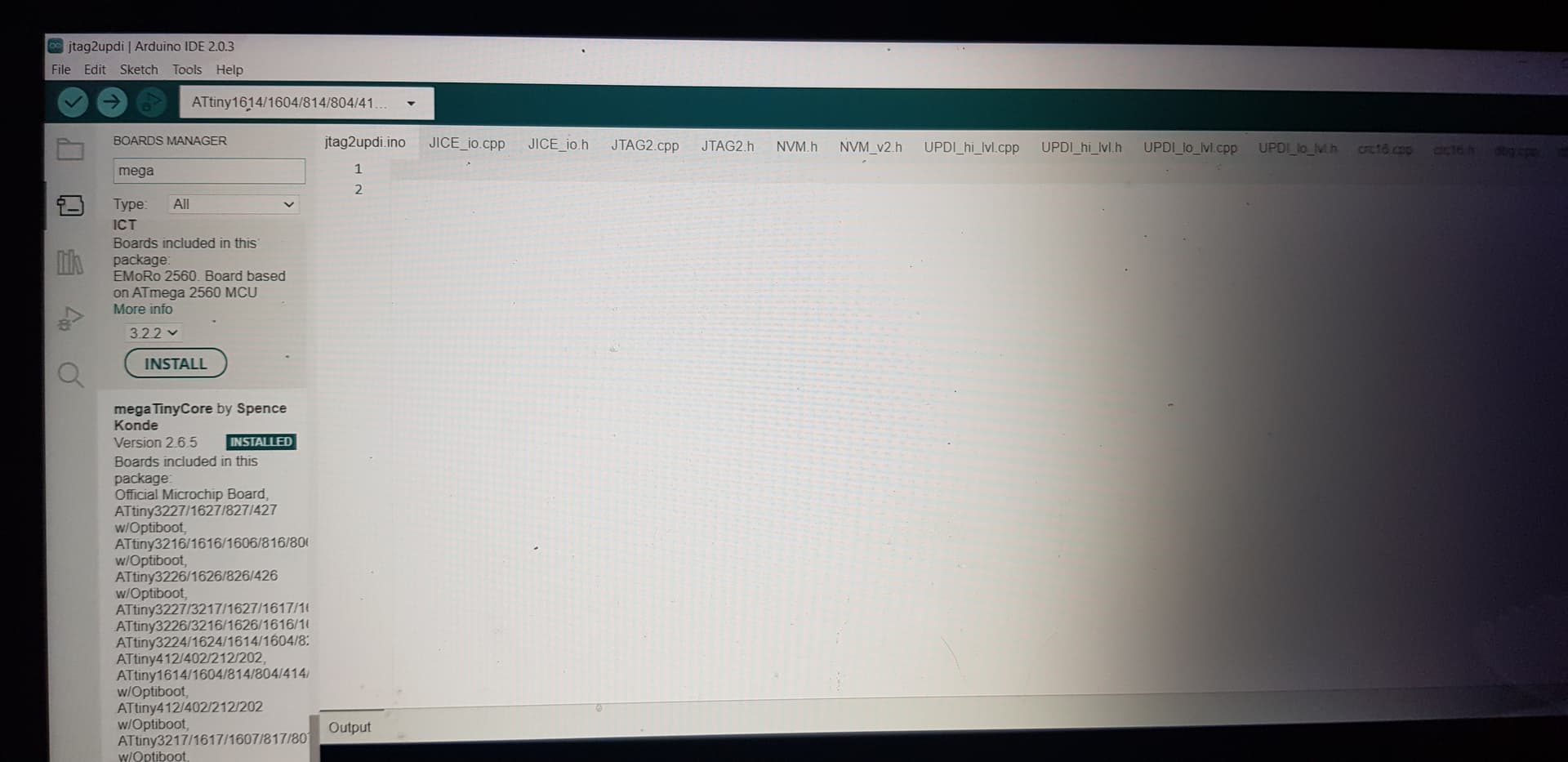
Also ive opened arduino, i think got the jtag2updi loaded and megatinycore boards loaded with attiny 1614 selected.
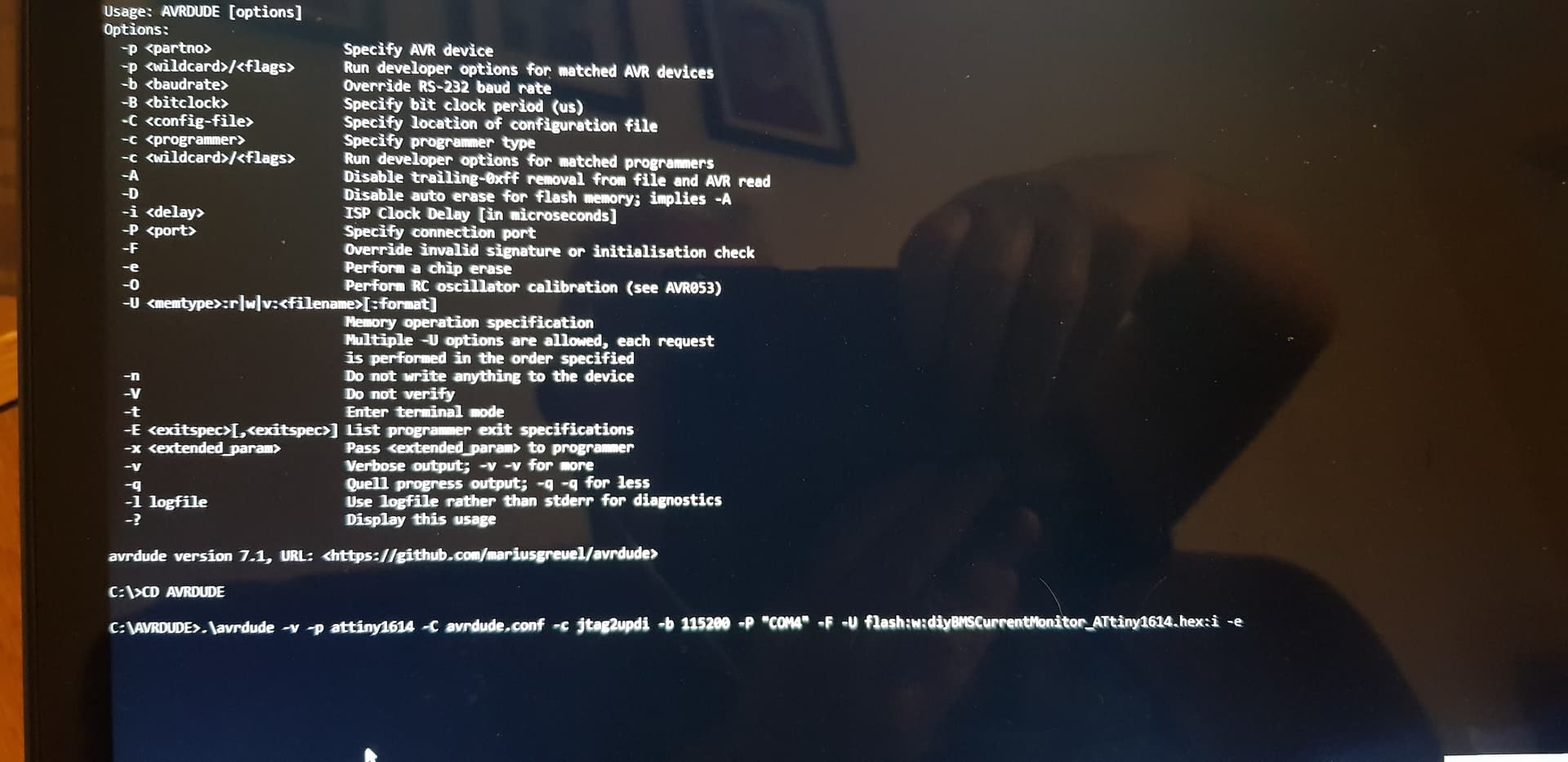
Then i`ve opened a cmd prompt, changed directory to C:\AVRDUDE and entered this
C;\AVRDUDE .\avrdude -v -p attiny1614 -C avrdude.conf -c jtag2updi -b 115200 -P “COM4” -F -U flash:w:diyBMSCurrentMonitor_ATtiny1614.hex:i -e
beofre i press enter, is this right please?
thanks