I purchased the Rasperry Pi version of the adapter with a view to hooking up to my 5kW Arotherm Plus heatpump.
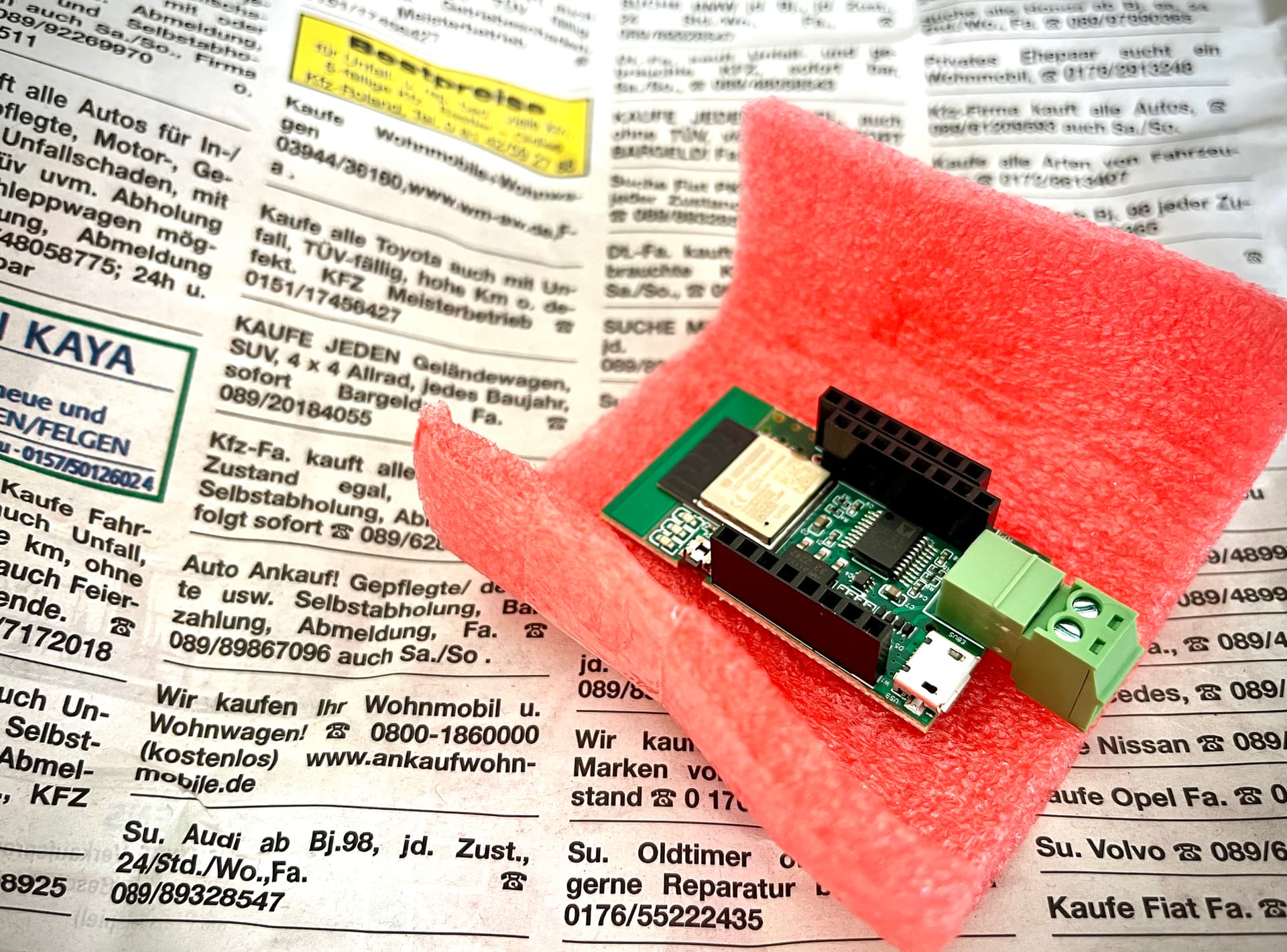
It slots into the GPIO header of the Pi and then is seen as a serial device from within Raspian OS.
You connect the eBUS connection using two wires to your devices.
I have all my eBUS connections coming into a Wago junction box so it was easy to add the eBUS into there. (ie heat pump controller, sensocomfort, internet gateway etc)
Note: the software uses minimal CPU resource etc, so any any old Pi should do the trick, even a Zero W should work. But as I wanted wired ethernet the only spare I had was a 4GB Pi4… so MASSIVE overkill for this.
I’m going from memory here as it was months ago that I set it up, but the software was no walk in the park. It’s as far removed from next, next, next, install complete as you can get.
Get ready for a rocky ride in the command line.
The software is located here
Once installed the biggest trouble was getting the software to pull in the fields from your particular device.
There are a bunch of config files that have mappings that map data from the ebus stream to actual known variables/data elements. ie, someone has worked out 1:1 what each piece of data relates to what field (ie flow temperature)
You can get a sense from this section on github
Just dive into into the following for example
Once you manage to get some data from your device into ebusd then you can fire this over to your local MQTT and then onto Home Assistant via auto discovery.
There are literally 100s of fields starting ebusd* in my Home Assistant.
