I flashed this to a 64gb samsung sd using balenaetcher on windows.
If i set it up i don’t get a wifi access point showing (i did once but I couldn’t connect with the stated wifi and password - and I can’t understand why it did show that one time, nothing was different)
If I plug in the ethernet, either to the router or my laptop, it won’t show on my network. There is historic evidence of it being there, from the one time it did show.
I have tried various power supplies.
If the ebus adaptor is plugged onto the rasberry pi, this device shows it’s access point.
I am at a bit of a loss for what to try, apart from another rasberry pi - which I am guessing now might be the issue - which I don’t have at hand to do. Does anyone have a suggestion on something stupid I could be doing to make it not work/make it work?
Sometimes a reboot of the internet router can fix strange Ethernet issues. I’ve had to do that a few times over the years when a Pi fails to show up on the network.
So I flashed another SD with a 2023 jul version and it booted to access point and I was able to connect. Strange. There seems to be some incompatibility between the 2024 and my pi. It doesn’t seem stable so there is still something going on. I’ll try get an endurance micro sd and try that. Then another pi.
I have a Raspberry Pi 3 Model B Rev 1.2 - 1GB (Sony UK) with integral Wi-Fi and it’s running the 10Nov22 SD fully updated (OS, emonHub, emonCMS) yesterday to emonCMS 11.9.10 with no known problems.
OK! Some brute force persistance - and no skill - I now have the 2022 version running on wifi. I had to boot it on ethernet (the AP password didn’t seem to work) and then I could set it up to my wifi.
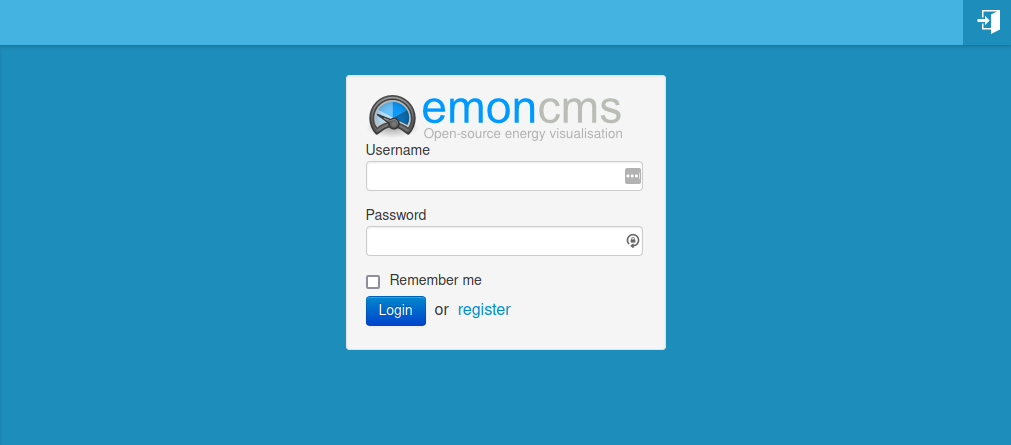
Q: At this point it wants a username and password. The guide says use emonsd, but it says not valid. Should I make one up? The same as the one I registered online with, different? I am hesitant to make a mistake having now managed to get to this point!
Also for the ebus sheild 6 they write about chaining the shell if running on a pi, do I need to do this if running the ebus 6 on a pi with emonsd?
Sorry about all the questions, but I am better with physical tools not computer tools. But I am stubborn and committed now.
Configuration with Raspberry Pi OS
By default, the pins required for the eBUS adapter are used by the Raspberry Pi OS for a serial login shell. To run the eBUS adapter via this interface instead, this shell must be disabled.

Warning! If this shell is not completely shut down, it will send uncontrolled data to the eBUS, which can lead to a malfunction of the entire bus system.

To deactivate the Raspberry Pi, the following steps must be performed (in essence, the text may vary slightly depending on the Raspberry Pi OS):

sudo raspi-configcarry out
Interface Optionschoose
Serial Portchoose
Would you like a login shell to be accessible over serial?answer with “No”/“No”
Would you like the serial port hardware to be enabled?answer with “Yes”
Exit “raspi-config” and reboot.
What is “it”? emonCMS? Are you looking at something like this?
What it wants is for you to create (“register”) a username and the associated password for emonCMS. Not for the Raspberry Pi (nor any other software on it like MySQL). You could make both the same as your password to emoncms.org if you want - but it does pose a security risk if either is hacked. Don’t forget either the username or password, recovery is possible but a real pain. If you have a password safe, let that create a strong password and store it there.