I had a perfectly well working esp altherma, using eero on you fiber. I have recently upgraded to you 2000 from 1000 so the old eeros are removed. The said and username/password are the same, WiFi signal is strong at the esp32 location but I can get it to connect to my WiFi/home assistant.
The Home Assistant side of things is probably ok so lets assume something is different on the WiFi since that is what changed.
Did your ESPAltherma associate with your access point?
If not, you may need to adjust the setup file as described in step 1 of the guide and provide the new SSID and password details.
If it did associate, did it get an IP address and can you ping it from another device on your network?
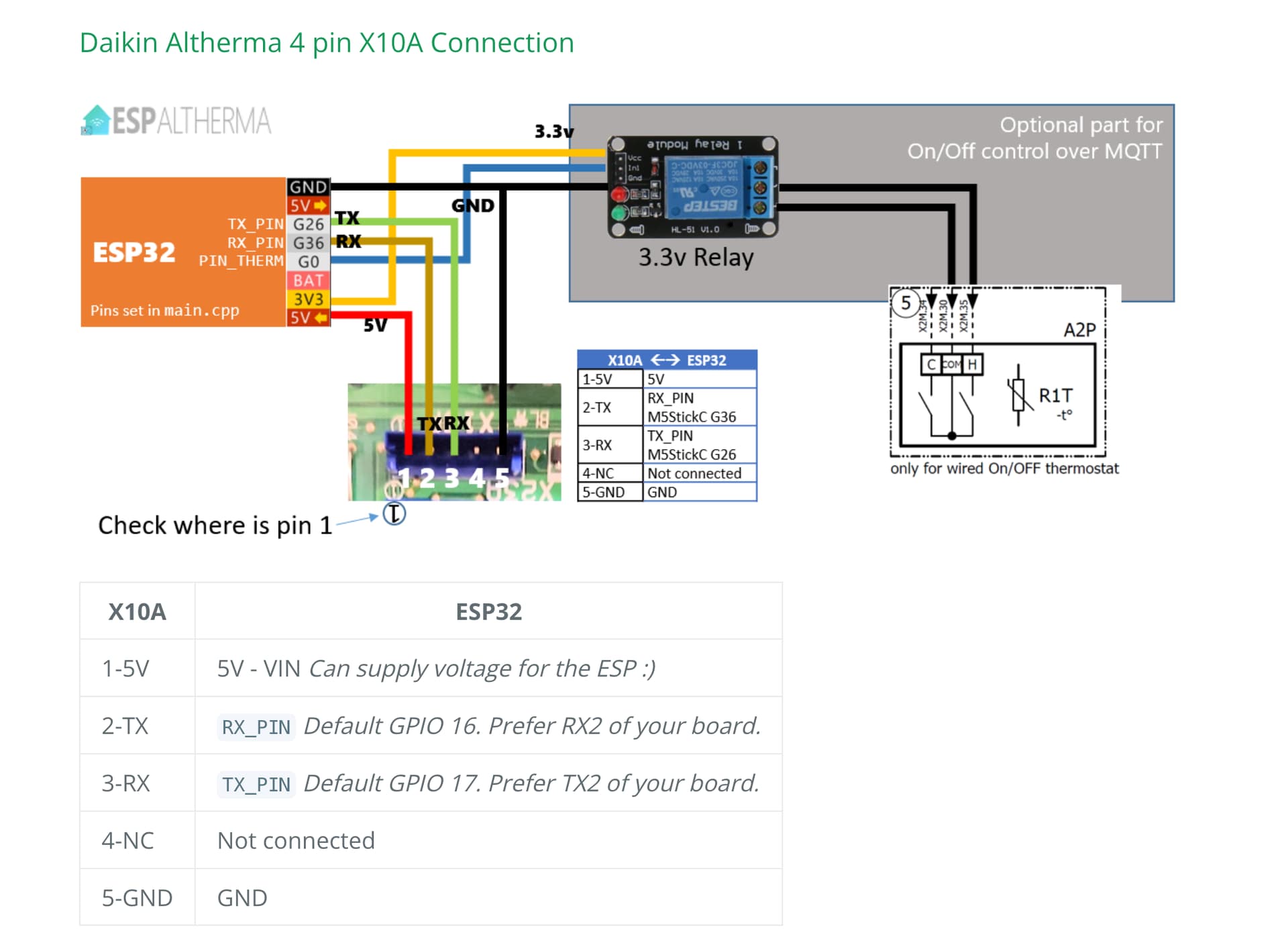
Hi the chip is currently disconnected from my heat pump and is powered from usb on laptop, I remember doing this when I first set it up I was able to see WiFi signal strength etc but not heat pump I/o. I brought it in to see if new router was having g signal strength issues
The problem is last time I had it connected to laptop once the code was downloaded I would at least see the WiFi strength etc but this time I am seeing nothing so I still think some issues with network setting
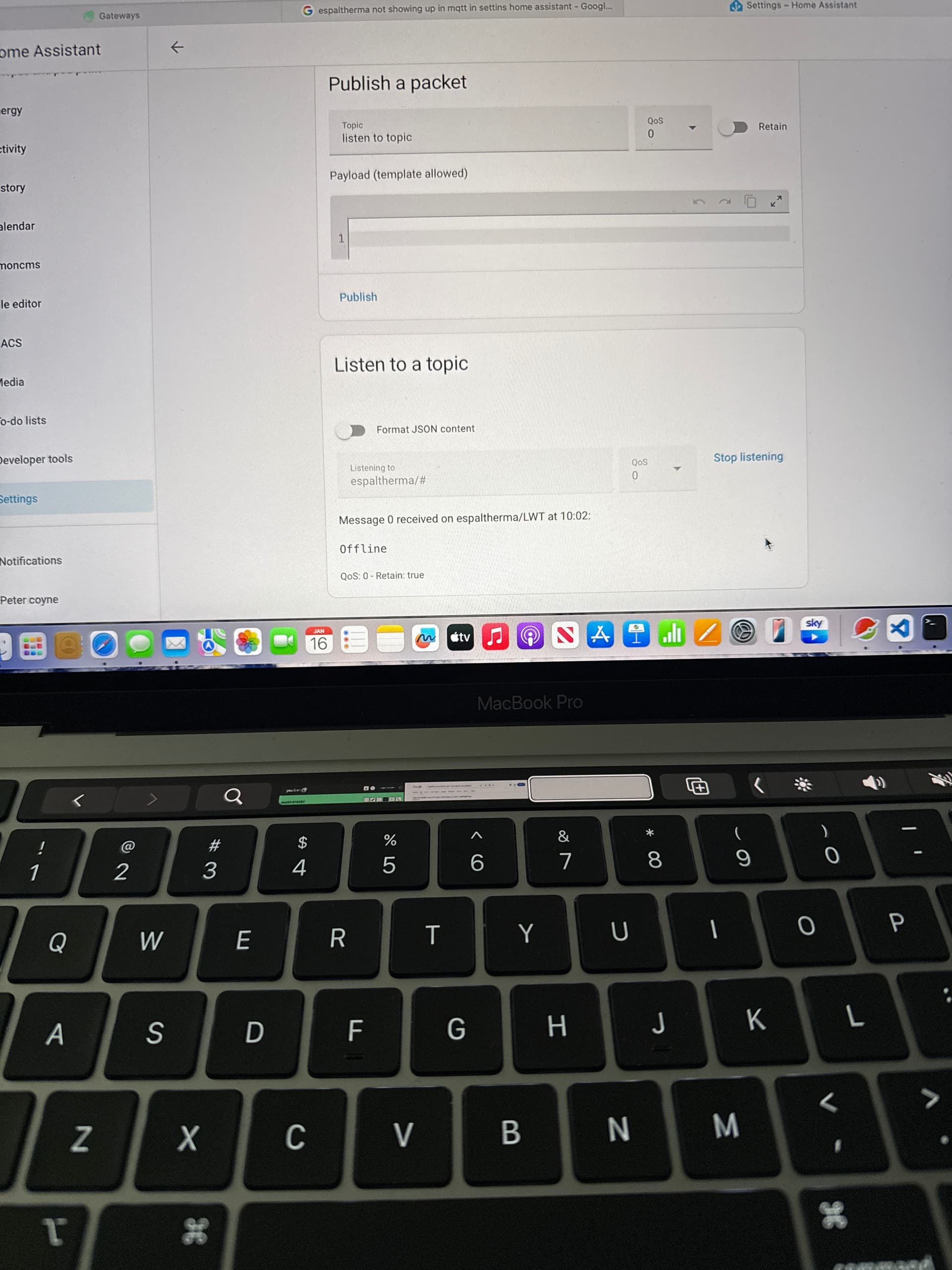
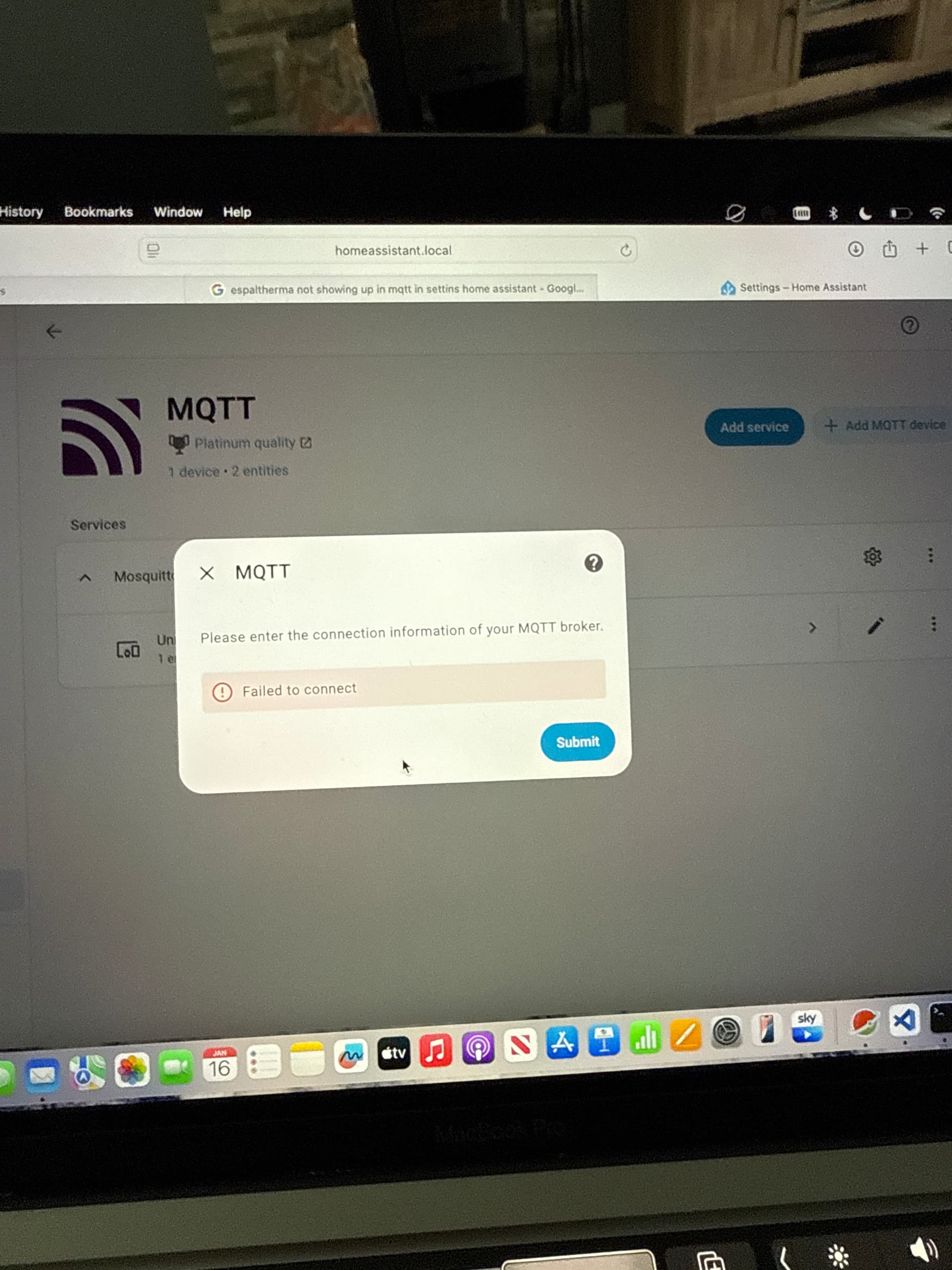
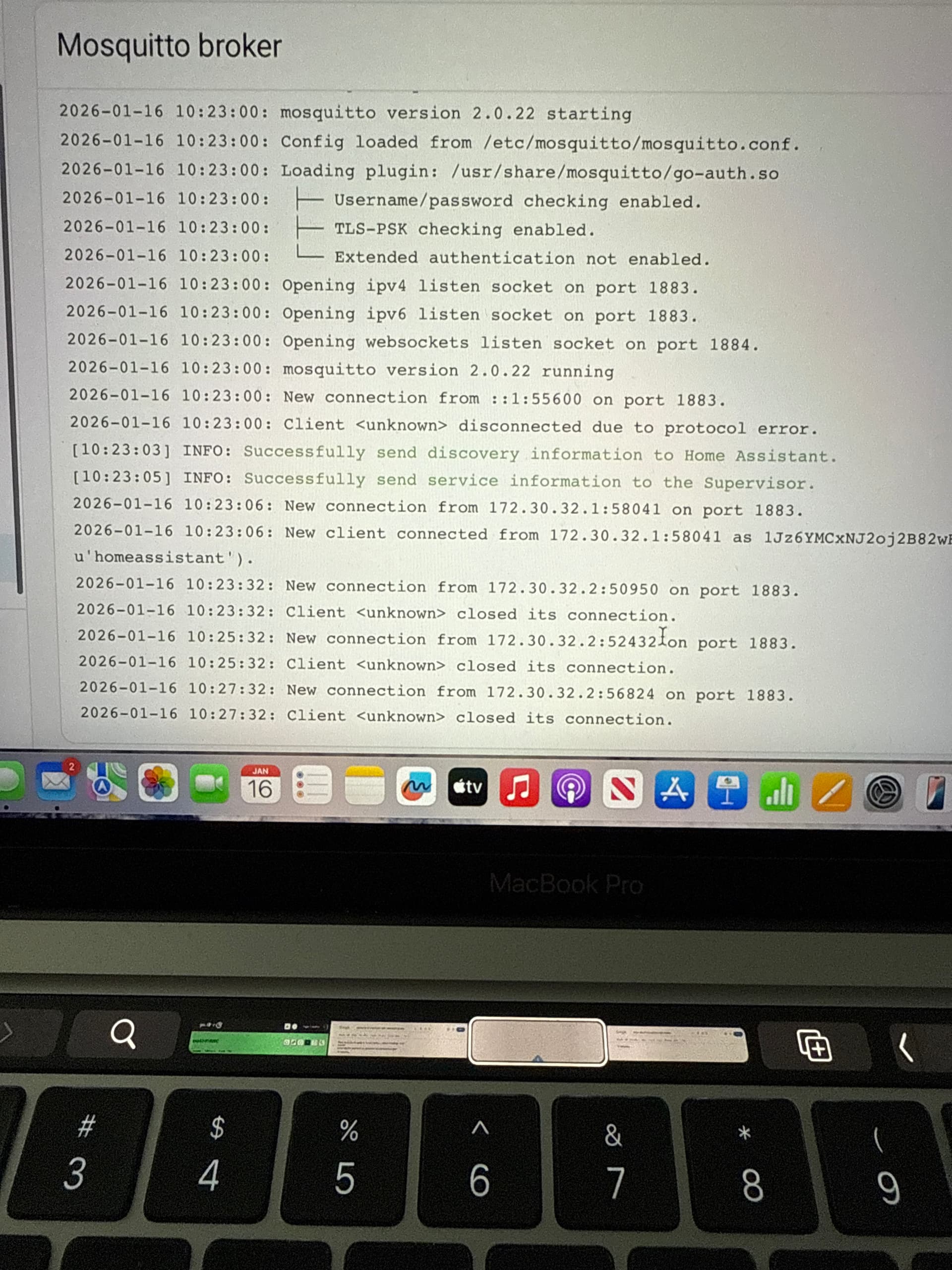
So connected back up to heat pump and issue is exactly the same, I can ping the device from terminal in Mac but espaltherma shows unavailable in Mqtt page in setting and listening shows message 0 received on espaltherma , offline
Not helpful for the technical discussion, but just a note that on your Mac you can use the keyboard shortcut ⇧⌘+4 to get a box you can draw to take a screen shot to paste in. ⇧⌘+3 will take a snap of the full screen. Saves taking a photo with you phone and hopefully clearer
Hi this is resolved now, I had to re flash esp32 with the mqtt server address of my home assistant. When the new wifi was installed the home assistant had taken a new ip address. So I have changed to the ip address that home assistant is using in the setup source file for mgtt server settings and uploaded the code with platformio. All working ok again.