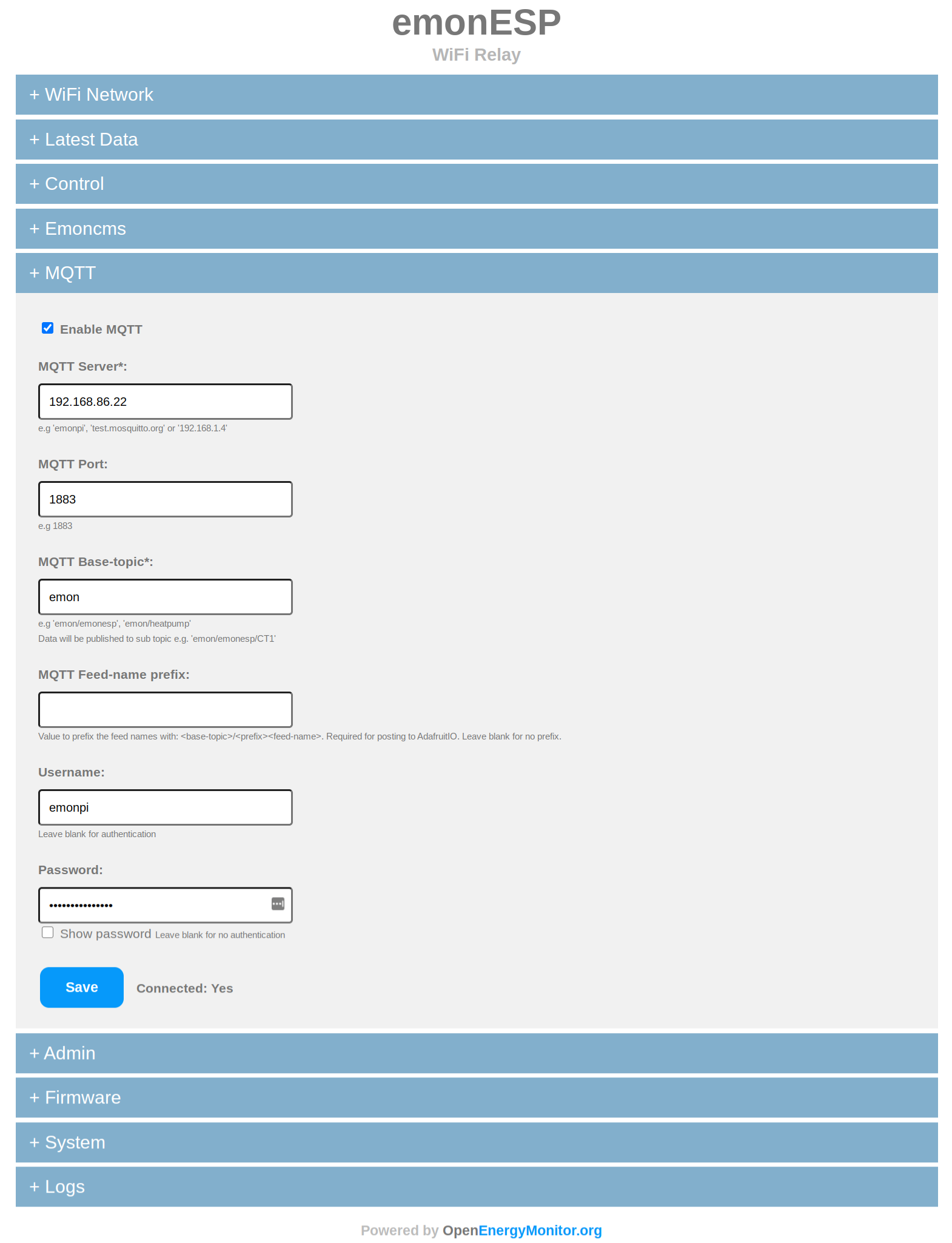
This version is a significant update, mostly @jeremypoulter backporting the awesome work he’s been doing for us on the OpenEVSE WiFi
The most significant feature of the new update is the lack of SPIFFS. HTML/JS has noe been embedded into the firmware which can be loaded in a single upload which the HTTP update via the GUI now works
There are lots of other changes include a serial debug console to view the ESP and the emonTx serial in real time and send serial commands directly to the emonTx from the web UI
Since the HTTP update does not currently work on the last EmonESP version, this update will need to be uploaded using a USB to serial programmer and esptool. See EmonESP release page linked above for instructions.
So I did see that, but I think it assumes a bit of knowledge that I don’t have!
Where do I find esptool.py? What / How do I connect to the device to upload the firmware and execute it? My esp is connected to an emonTX, I have connected to the web ui (currently shows v3 firmware), can I update using the UI? The release for 3.1 suggests that this is fixed in 3.1 so I assumed it doesn’t work in 3.0? Also, how do I know which version of the ESP I have to pick the correct firmware?
I’m afraid you can’t update via the web UI, this is one of the main issues this update fixes! After this update you will then be able to load future update via the web UI
If you are happy with the current function of the EmonESP, maybe you don’t need to update?