Great, if you move the settings you changed from default-settings.ini to settings.ini including the heading section e.g [smtp] … that should work. Then clear the changes to default-settings.ini with:
cd /var/www/emoncms
git checkout .
Great, if you move the settings you changed from default-settings.ini to settings.ini including the heading section e.g [smtp] … that should work. Then clear the changes to default-settings.ini with:
cd /var/www/emoncms
git checkout .
The big line at the top that says “Don’t Edit” could be a clue 
@TrystanLea - could it be these instructions have never been updated since we split the settings?
Oh hahaha how we laughed…..
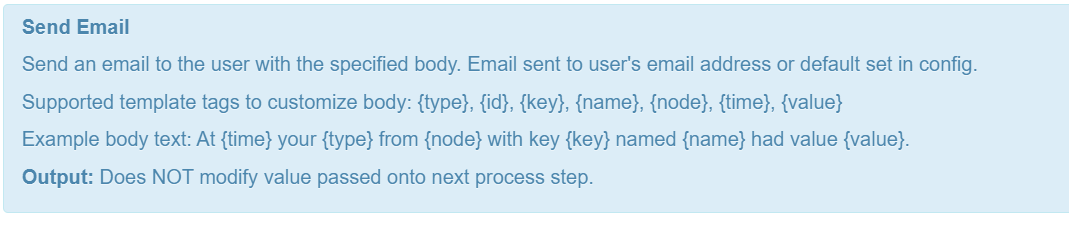
The only clue as to how to set up email is the pop-up that appears when you select email from the process list
So quite easy to see default, go looking for config and make the alteration where I did.
This needs a better instructions, especially as this has been changed completely in this latest version. I’ll raise a separate post on this.
Also, to fix things, I had to copy the default-settings file from Git into the emoncms directory, then do the full ‘git pull origin stable’ to get things fully updated.
Thanks for all your help Trystan @TrystanLea
Yes, we moved to a hierarchical setup for settings many moons ago and clearly this never got changed. Anything in settings.ini overrides the content of default-settings.ini to avoid just the situation you had 
containerized version also updated
https://hub.docker.com/r/alexjunk/emoncms/tags
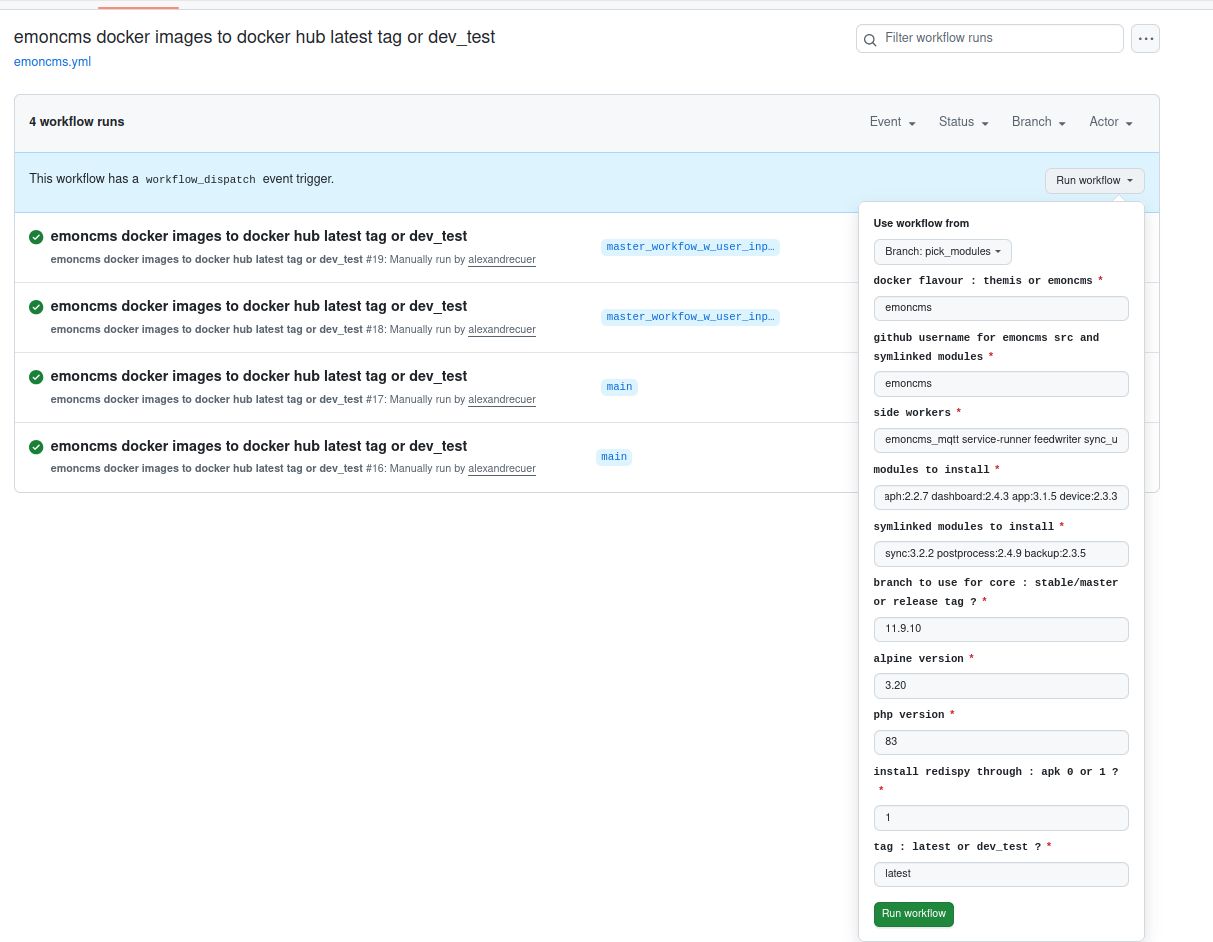
@TrystanLea the workflow to process the images has been revamped, so to better cope with the different tags. I was only using master and stable before, it was not enough robust.
latest tag also on the way and will fit with alpine3.20_emoncms11.9.10
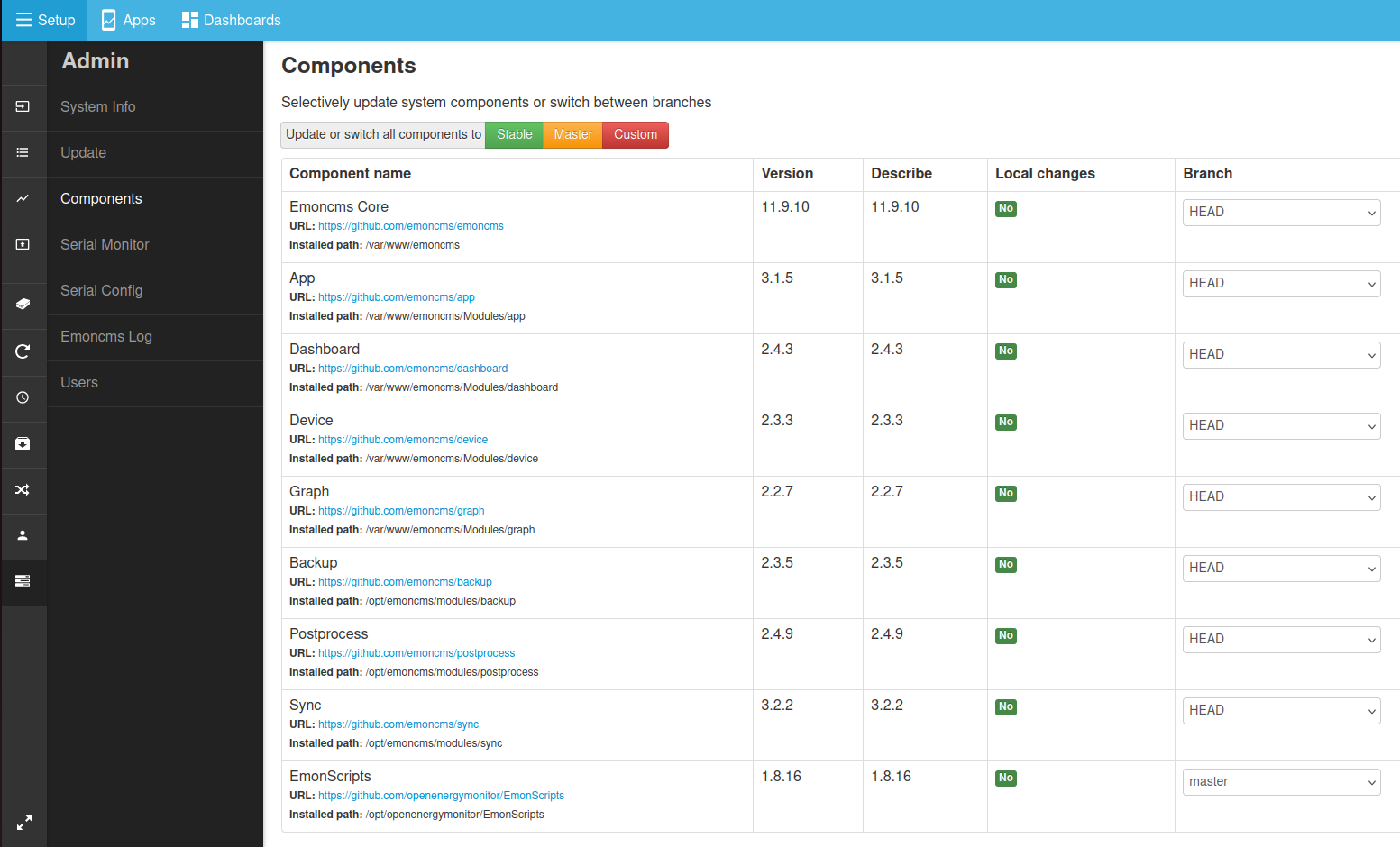
everything is detached HEAD at a specific tag to keep consistency, except the emon scripts but in container mode, the emon scripts are not really used as the image has its own install process
Morning.
Thanks everyone for your work on HA. No issue adding my system to emoncms via HA. I’m getting my data from my first pi5 via MQTT.
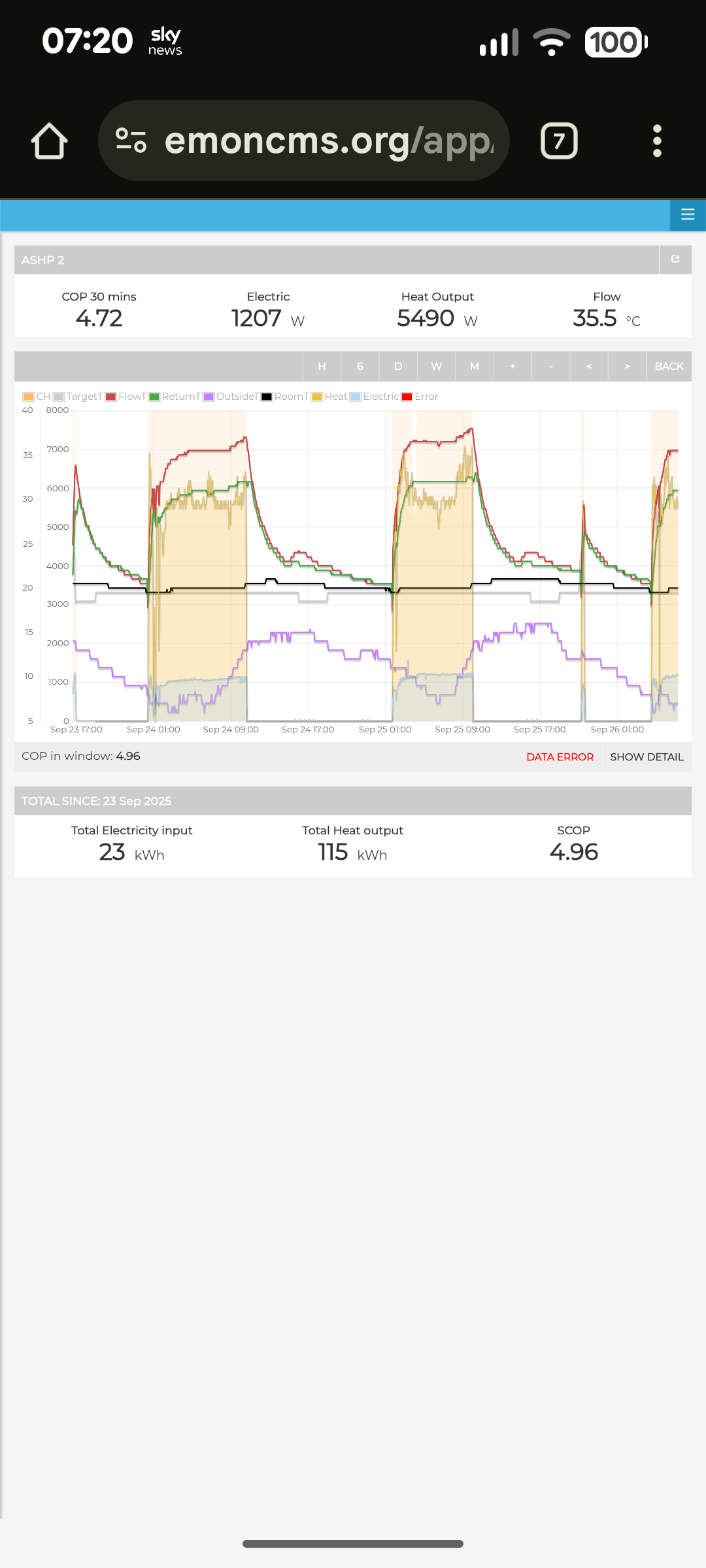
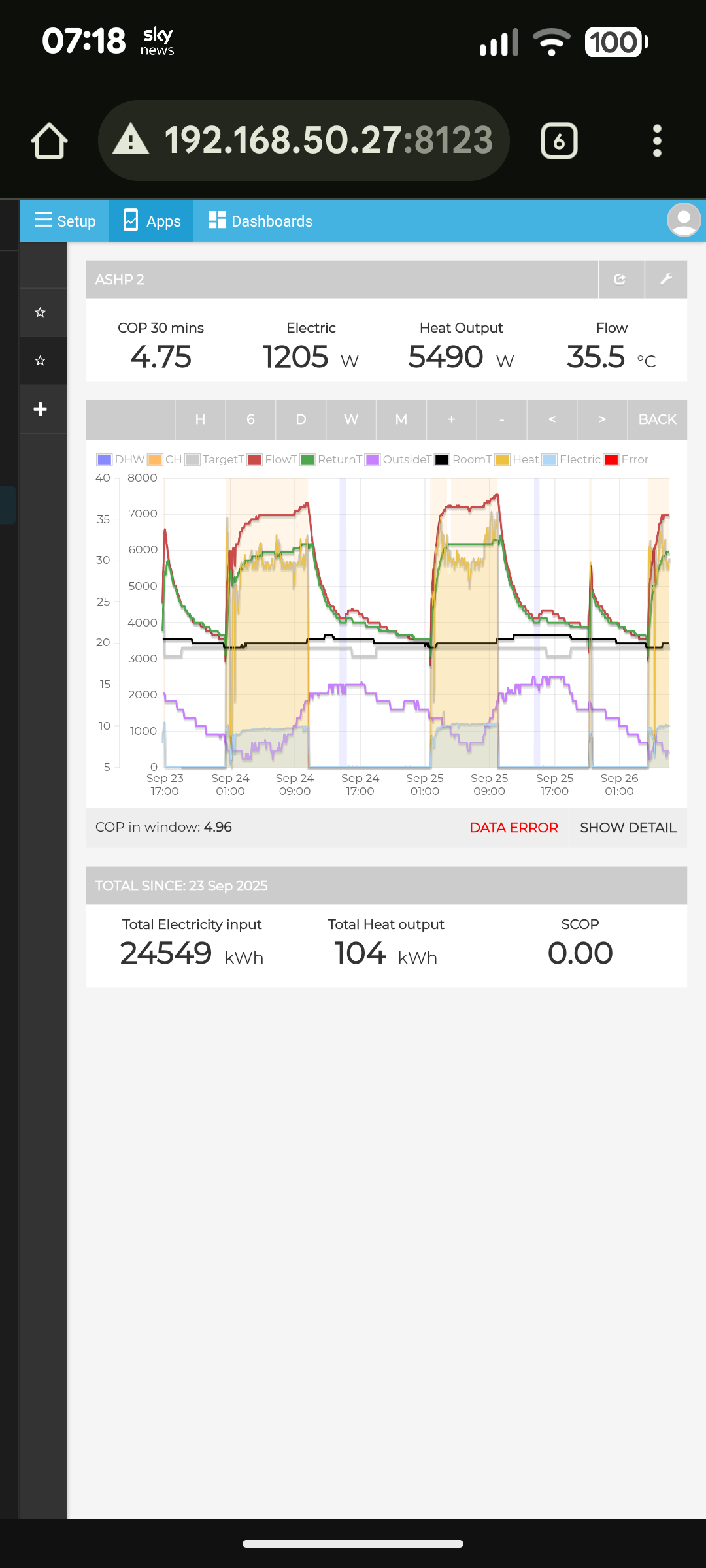
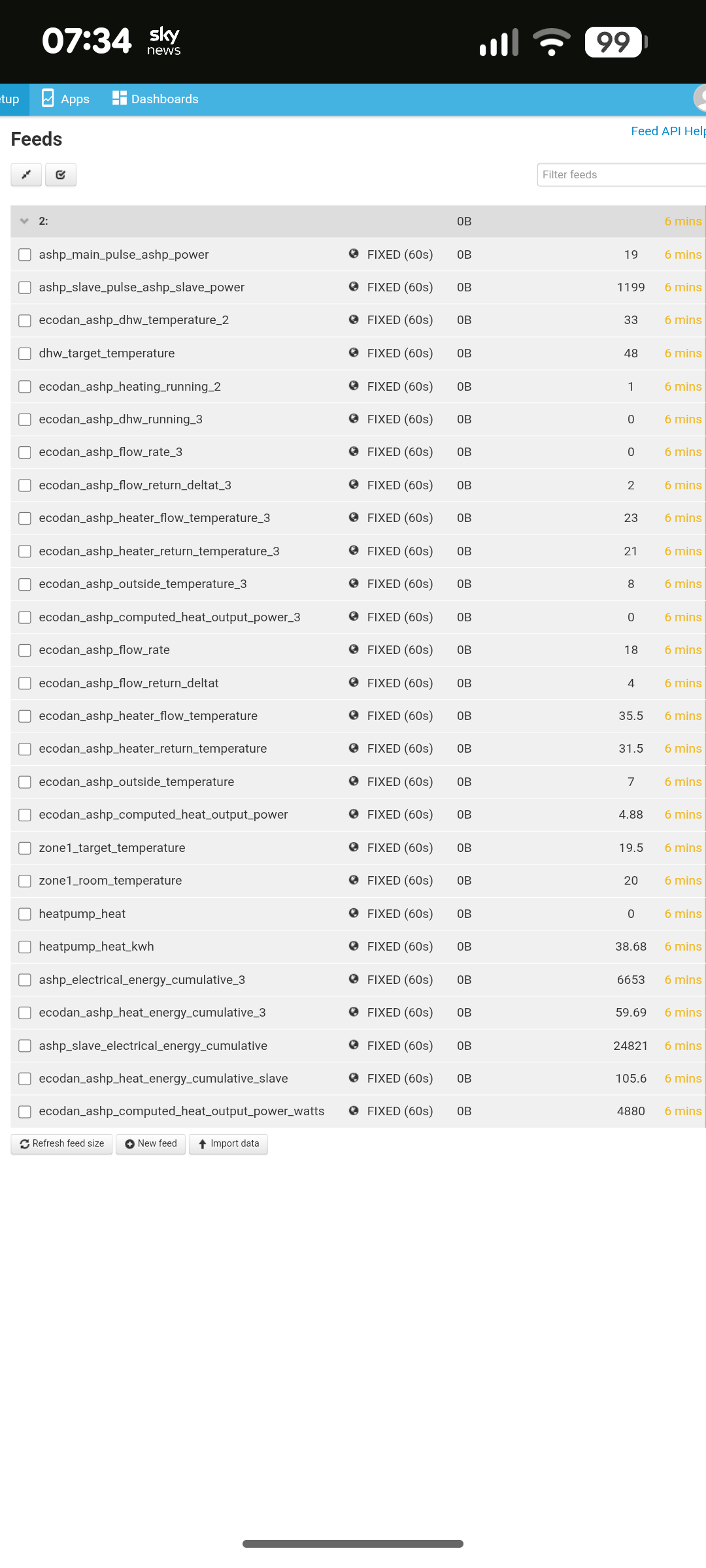
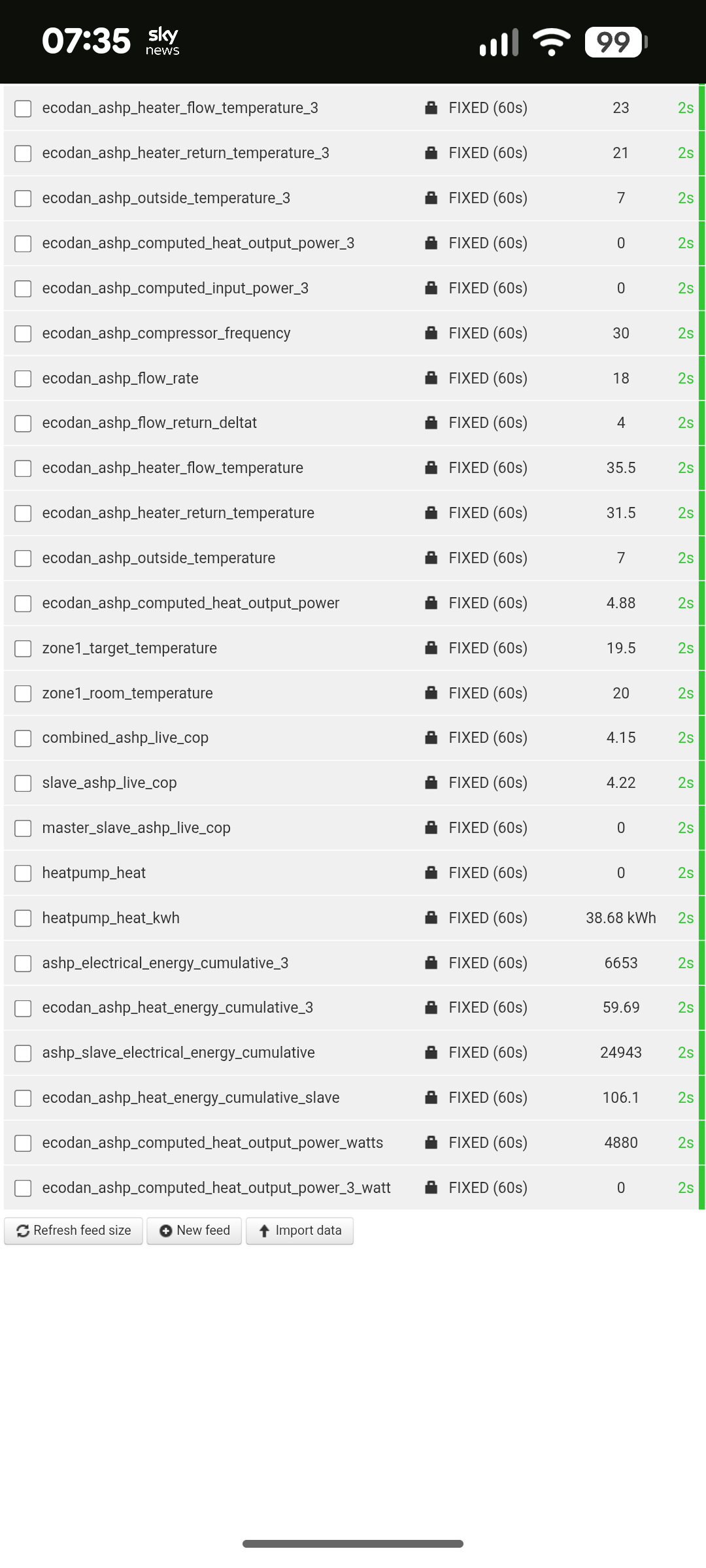
I’m getting a unit error on my local installation of CMS but on the cloud it’s fine. Its the total electricity input is in the wrong units. Showing W’s not KWh. I’ve checked all the inputs and everything is matching up.
Thanks
Technically yes with a bit of development work, and I agree it would be nice to have that option. Cant say when I might get to that though just yet.
Just to add support for the idea of having ‘max daily value’ available as a post processing function @TrystanLea, it would be very useful as a tool to examine how solar panel peak performance changes over months/years - also to see for examle how much difference cleaning them has made. In fact ‘max monthly value’ would probably be more appropriate for this use case.
I think this would make sense to implement as an option a bit like averaging which is calculated on the fly - post processing (but not the post processing module).. It would be a nice addition!
I’ve not looked, but is there a down sampling function?
My use case was to extract temperature data - max/min on a daily basis, I could then throw a lot of the 10s daily data out
Perhaps a daily task with a defined start time to calculate the previous day’s stats?