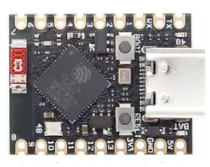
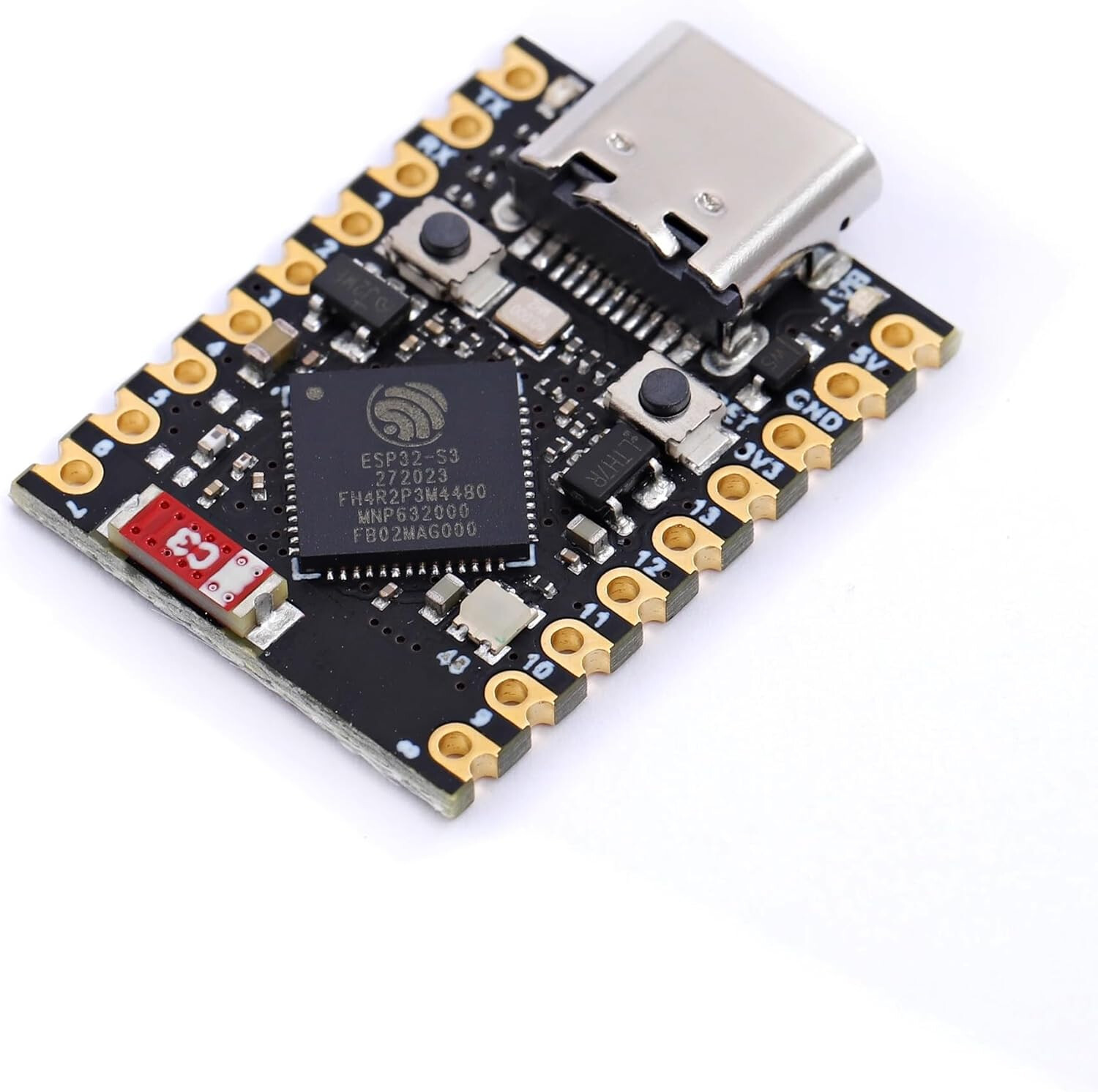
you cannot flash a factory over http. It needs to be done via usb. So your partition layout is still not correct, you need to do a factory flash once. The pin usage is set for the atom s3 lite, you need to wire the correct pins.
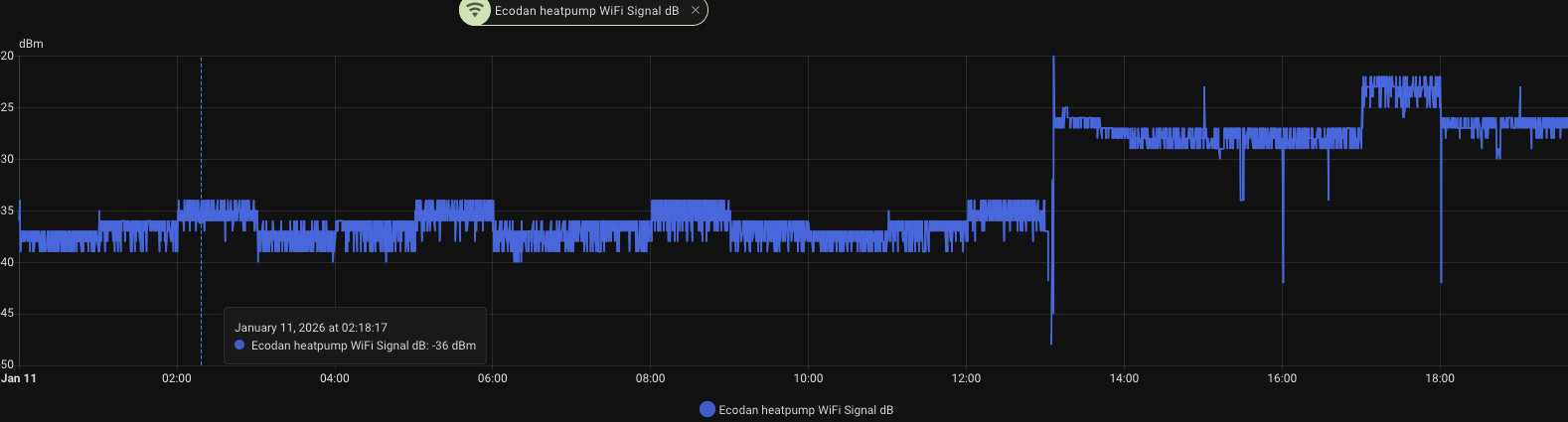
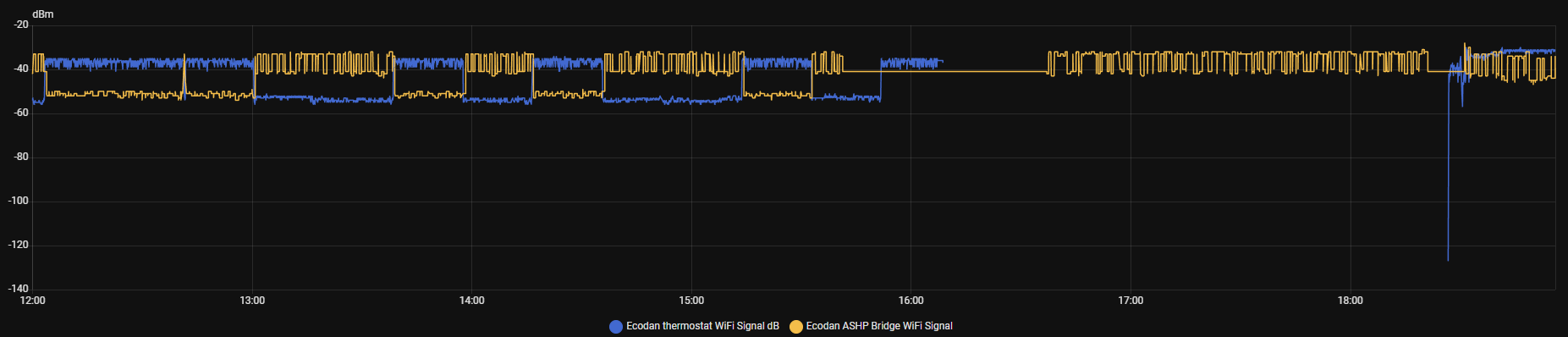
Yeah, those are erratic situations when the connection fails I think, most of the days it’s stable around -60dB.
ESP TX power issues from bad/cheap devices. Chip might be legit but flawed antenna designs are mostly the issues for that and remedy is to lower TX power. Adding additional capacitor to power input of ESP didn’t help.
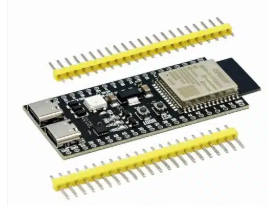
CN105 on ESP32-S3 dev board with f1p v6.5.4 + OLED customization
Wifi signal is still sometimes a mess. One disturber is likely NRF24 network (with AliExpress units) and might be also from the ESP32-S3 N16R8 dev1 board which is also from Ali.
I was also testing the asgard board and wifi seems to improve a bit. But then again I never had any disconnect issues from the atom (mines came from digikey).
Today at some point I’ve noticed that m5stack was blue and HP was on curve mode which means the CNRF wasn’t updating curl (I’ve made a backup mode script).
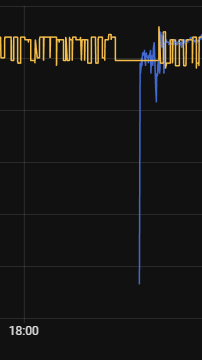
Anyways after resetting m5 from side button, it came back online. What’s odd is that CN105 device lost connection to wifi about that time the m5 got online. That’s first time that has happened.
Had devices side by side, now I’ve moved them away from each other about half a meter. Will check wifi log later.
E: So overnight it was all good on m5, guess the one to blame is that s3 dev board on CN105, gonna replace it also with m5.
when It cannot connect to wifi, it falls back to hotspot so that you can reconfigure it. But we might be able to tweak something here (that it would take longer to fall back)
Maybe the longer delay might be annoying, is there some button triggering possible for AP mode? Or maybe change to AP mode, then again in 5-10min retry old credentials.
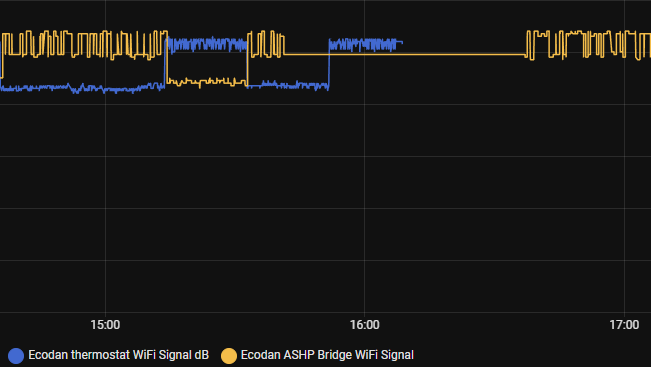
According to log @F1p device on CN105 seems to have recovered in about an hour long connection issue. At the same time when CN105 dropped, m5 worked. I didn’t intervene there.
Yes I know that, but if LED is lit and something goes haywire/freezes in the code, the LED will stay lit, because WS28** needs commands to change state/colour or power loss. That’s why I said, that I didn’t check/scanned wifi for AP mode.
If it would be pulsating, then that would give some confidence that code is running.
good point, i can change it. But if you see blue led, then its entered AP mode, it won’t recover on its own, so if you see blue pretty sure you had network issues.
Finally changed on 17th around 21-22 the CN105 esp32-s3 dev to atom m5 and switched off my nrf24 devices. On 18th around 10 I’ve turned back on NRF24 devices and slight interference started. Both atoms are on top of HP. Can’t find the reason for this occasional higher/lower signal fluxuations over night. Signals won’t match with compressor and can’t think of anything else disturbing it. But for now it’s a lot better than it was at first.
“ESPHome 2026.1.0 delivers one of the most requested features: automatic WiFi roaming. Devices now switch to better access points after connecting, solving the problem of devices getting stuck on distant APs after power outages or AP reboots.”
Hello everyone! First of all, a huge thank you to Phil for the incredible work done on reverse engineering the Daikin protocol. I’ve started sniffing and then decoding the frames exchanged between several Ecodan units and the receiver connected to the CNRF port. I’ve observed differences in the initial settings request frames. I have the impression that byte 1 (cf) doesn’t correspond to a bitmask of the number of RCs. For a receiver paired with a single transmitter on channel 1, I sometimes get 00, 01, or 04. Do we now have more information on the function of this byte, or am I missing something? Thanks in advance, and sorry if I’m posting my question in the wrong place.
Thank you for your feedback. After double-checking, I was mistaken. It is indeed a bitmask; my apologies.
My setup: an esp32 in parallel with the receiver, which reads the frames from the RX and TX ports of CNRF on RX1 and RX2 ports of the devboard.
However, I’m observing the second padding byte as 1 instead of 0:
FC 4C 04 03 10 32 01 FF 00 01 00 00 00 00 00 00 00 00 00 00 00 6A
Have you ever observed this behavior?