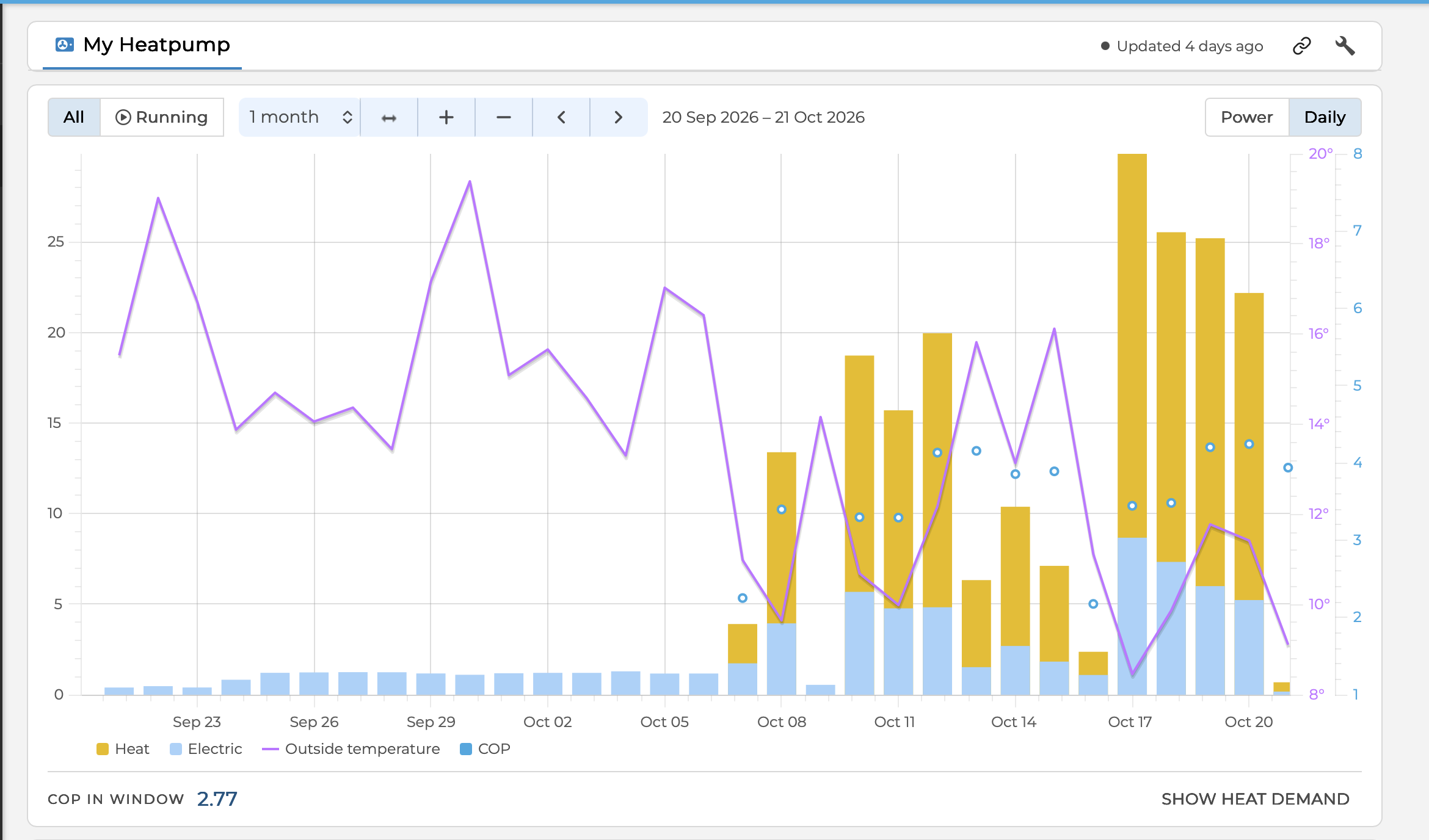
Changed internet provider and now unable to get data - see attachment. I assume I need to change the IP address somewhere. Do I need to connect ethernet cable: router - emoncms box or remove the sd disk to complete this task. I also had a local version running but have also lost this.
You forgot the attachment. I’m guessing what the problem might be…
Is it a new router?
By far the best way (in my opinion) is to change the SSID and password of your new router to be the same as the old. This way, you don’t have to change SSID & password in everything that uses your Wi-Fi LAN, emonPi included.
If you can’t do this, or you’ve already changed everything else, I think you have three options:
Connect to your router via Ethernet and use Setup → Network and choose your network, then type in the password, or
Thank you for reply. The attachment I should have included is attached.
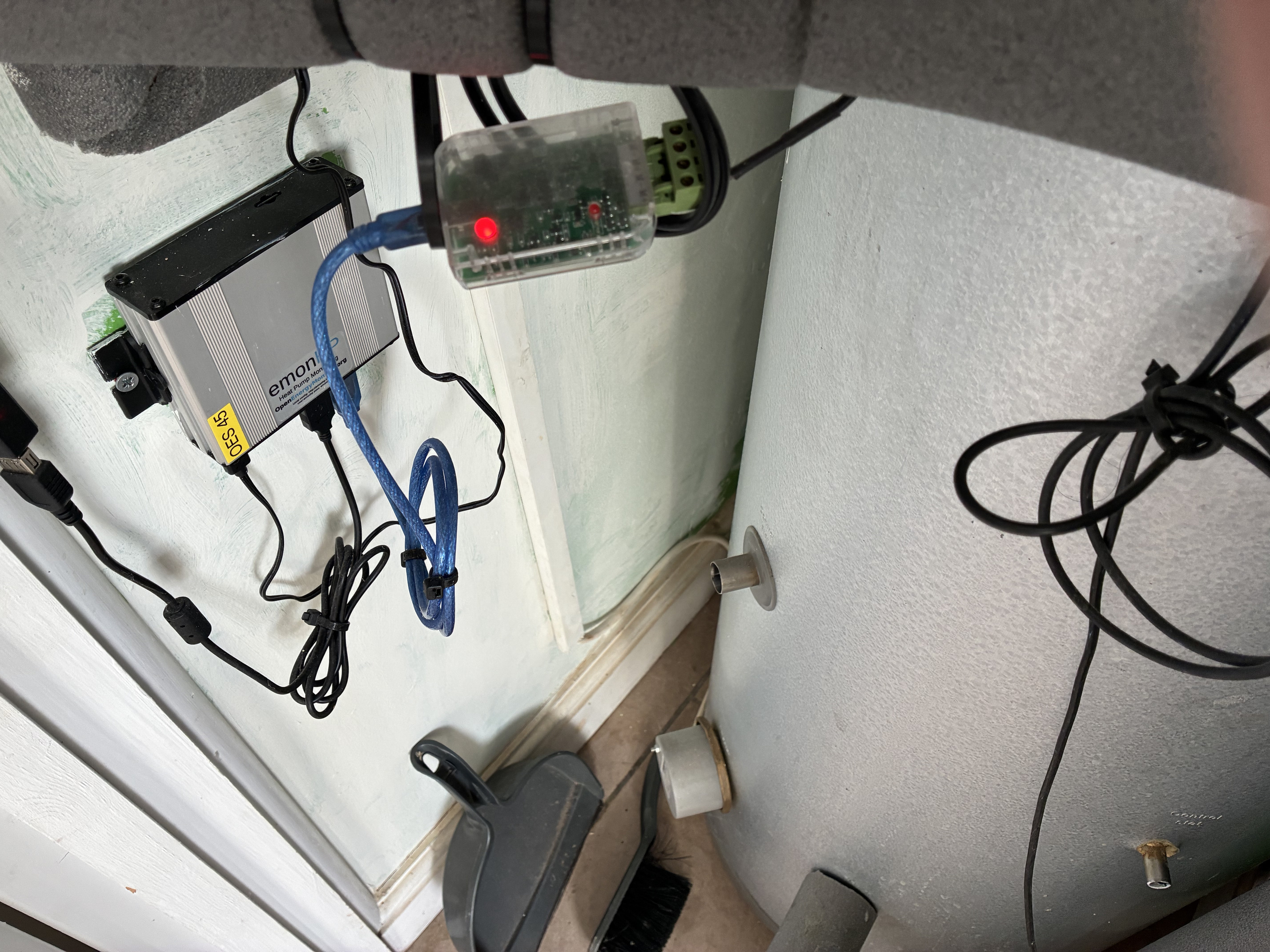
Also attached is a photo of my setup. The router is too far from the emonhp so will have to remove sd card and use that method.I assume the Pi is the plastic box in photo. I should not have to move it?
Nope, the Raspberry Pi is inside the extruded aluminium box with “emonHP” on the front.
That’s a shame. I take it you don’t have power line extenders available or a very long Ethernet cable? Before you take the emonHP apart to get at the SD card, can you temporarily change the router back to how it was? Write down your new Wi-Fi credentials (SSID & password), change the new router (and phone/laptop) back to what they were and you should be able to access your emonHP. Change the emonHP to the new SSID & password, change the new router etc. back to the new SSID & password.
If that fails, it’s screwdriver time. I think the SD card will be at the opposite end to where the USB connections are, so the top. Do a controlled power-down of the emonHP and then, as you power up again, look for a Wi-Fi access point called emonPi or emonHP. The standard emonCMS does this for a short time to allow you to log in to it, I don’t know that the emonHP does so – but it’s worth a try. The password might beemonsd2022 or before that, emonpi2016. The IP address might be192.168.42.1. If you can get in like that, you should be able to access the Setup → Network page.
I’m sorry I can’t be certain of any details regarding the Heatpump Monitor. You paid for on-line support when you purchased it, and few details other than the documentation you got with it have been published. And I don’t have one.